 look news india

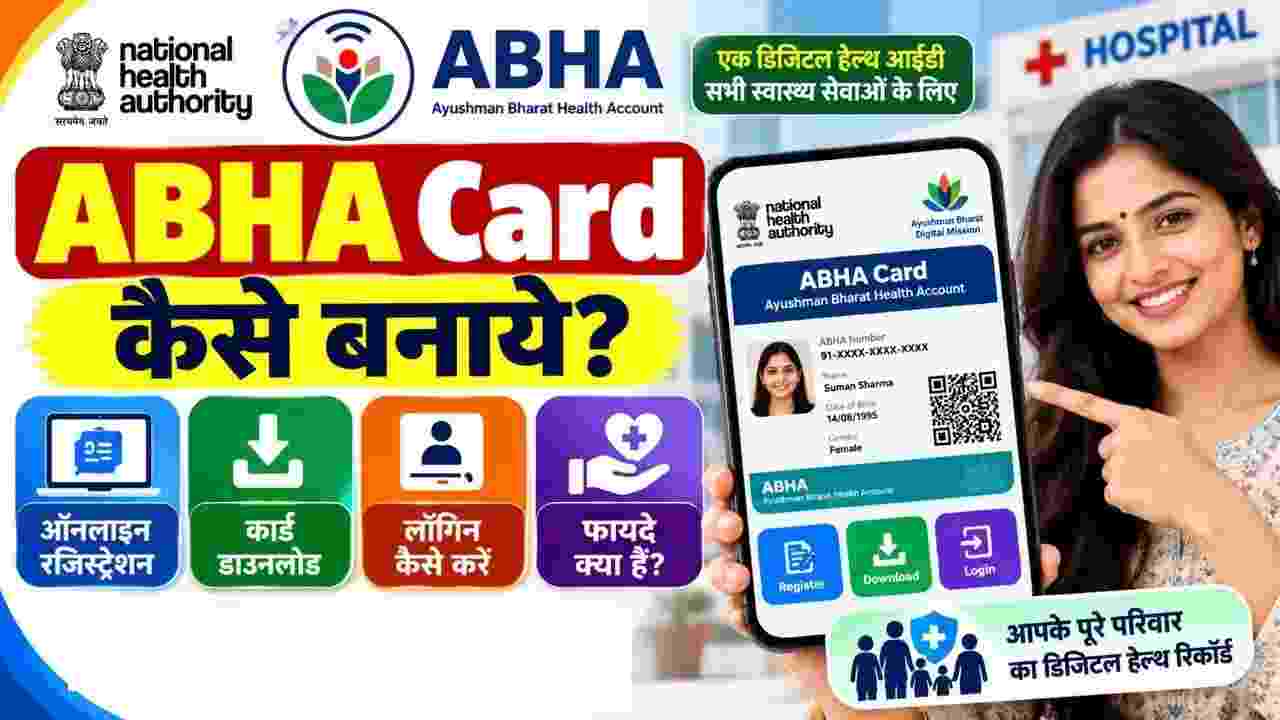
Under the Central Government’s ambitious scheme ‘Ayushman Bharat Digital Mission’ (ABDM) to connect the country’s health sector with the digital revolution. Abha Card (Ayushman Bharat Health Account – ABHA Card) Digital health has become an essential identity for every Indian citizen. Just as a bank account is necessary for financial transactions and a UPI ID is necessary for digital payments, Abha Card works to keep medical records and health history digitally safe. It is a unique digital health ID (Unique Health Identifier) of 14 digits, through which a person can store his old slips, pathology test reports, X-rays, vaccinations and discharge summaries in a secure digital locker. Now the hassle of carrying around heavy medical files is completely gone, because doctors can see the patient’s complete medical history in just one click with his consent.
Often people consider ‘Abha Card’ and ‘Ayushman Bharat Card’ (PM-JAY Golden Card) as the same, whereas there is a clear difference in the purpose and functioning of both:
-
Ayushman Card: It is a health insurance card that provides cashless and free treatment up to ₹5 lakh per year to eligible poor and lower-middle class families under the Pradhan Mantri Jan Arogya Yojana (PMJAY).
-
ABHA Card: this one Digital Health Account / Health ID Is. This is not an insurance card or free treatment card, rather it is a digital platform where all the data related to your health (Digital Health Records) remains safe. Any citizen of the country (rich or poor) can get it built absolutely free of cost.
The government has made the process of making Abha card completely paperless and transparent:
-
Eligibility: Any citizen of India (from newborn to senior citizen) is eligible for this.
-
Required Identity Proof:
-
Aadhaar Card – This is the fastest and easiest medium as it completes e-KYC instantly.
-
Driving License – If Aadhaar is not available then driving license can also be opted.
-
-
Active Mobile Number: Mobile number linked to Aadhaar is mandatory for OTP verification.
You can create a new Aabha card in just 2 minutes through the official portal of National Health Authority (NHA) from your smartphone or computer:
-
First of all the official website of Ayushman Bharat Digital Mission abha.abdm.gov.in Go to.
-
given on homepage ‘Create ABHA Number’ Click on Options.
-
Now you will see two options-‘Using Aadhaar’ And ‘Using Driving License’. It is easiest to make it through Aadhaar, hence ‘Using Aadhaar’ Select and press ‘Next’.
-
own 12 digit aadhaar number Enter and tick the box of Terms and Conditions (Declaration/Consent) given below.
-
By filling the captcha code displayed on the screen ‘Next’ Click on.
-
A 6 digit OTP will come on the mobile number linked to your Aadhaar, verify it by entering it in the designated box.
-
After OTP verification, your name, photo, date of birth, gender and address from the Aadhaar database will automatically appear on the screen.
-
After this enter your communication mobile number and enter your unique ABHA Address (As: yourname@abdm) create.
-
Finally as soon as you click on ‘Submit’ your 14 digit ABHA Number It will be generated immediately.
Once the registration is complete, your digital Aabha card with QR code appears on the screen:
-
at the bottom of the screen ‘Download ABHA Card’ Click on the button.
-
Your card will be saved to your phone or computer in high-quality PDF format.
-
If you want, you can print it out or get it laminated on a PVC (plastic) card and keep it safe with you.
If you have already made an Aabha card and want to view or download it again, follow these steps:
-
portal abha.abdm.gov.in Go to and click on the top right ‘Login’ Click on the button.
-
You will get three options for login:
-
Mobile Number: Login with OTP by entering your registered mobile number.
-
ABHA Number: Login with your 14 digit Aura number and password/OTP.
-
ABHA Address: Your created username (ex. name@abdm) Login through.
-
-
Once you login, your profile dashboard will open from where you can update your personal information, view linked medical records and download the card.
The biggest practical benefits of Abha Card are available while getting OPD slip in hospitals:
-
Scan & Share feature: ABDM’s QR code is installed on the registration counters of AIIMS (AIIMS), Safdarjung and major government and private hospitals across the country.
-
patients on their mobile ABHA App (or Arogya Setu app) and scan the QR code placed on the counter.
-
As soon as the scan is done, the patient’s name, age and gender are directly sent to the hospital’s computer system and the token and OPD slip are immediately generated without standing in the queue. This provides relief from the trouble of standing in queues for hours.
-
Complete freedom from paper files: Doctors’ prescriptions, pathology reports, MRI and sonography reports are always saved in digital form, eliminating the fear of losing old documents.
-
Accurate treatment and better diagnosis: In case of emergency, if the patient goes to another city or a new hospital, the doctor can immediately start the correct treatment by looking at his prior medical history (allergies, old diseases, ongoing medications).
-
Strict data privacy and consent management: Your medical data is completely safe. No doctor or hospital can view your medical records without your permission and the OTP received on your phone.
-
Confluence of AYUSH and Allopathy: In this, not only allopathy, but also records related to Ayurveda, homeopathy and Unani medicine can be easily added.
-
Ease of Insurance Claim: Digital verification of medical records while making a health insurance claim makes the process of getting the claim approved faster and easier.