 look news india

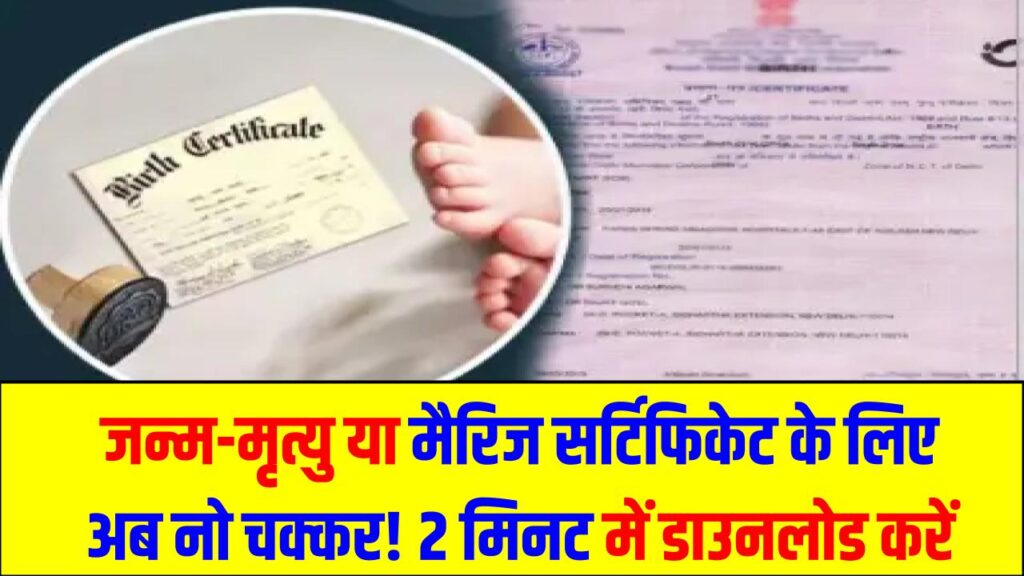
Absolutely! This very useful and comforting information is written in such a simple, understandable and straightforward language that after reading it, every common man will feel that the times of making rounds of government offices are really over. Whether it is getting a birth certificate made, marriage registration or death certificate of a loved one… on hearing the names of these works, the thought of long queues in government offices and making rounds of babus comes to mind.
But now all this is a thing of the past! With the power of ‘Digital India’, you can now download all these original government documents on your mobile phone sitting at home in just 2 minutes.
Will the mobile copy work everywhere? (the biggest question)
Yes, it will definitely work! This question may also be coming in your mind whether the copy downloaded from mobile will be considered original?
So the answer is – yes! The administration has made it clear that there is a ‘QR code’ on the certificate downloaded from DigiLocker or government website. By scanning this code, any officer can immediately check whether the certificate is genuine or fake.
Therefore, there is no need for anyone’s physical signature or seal on these digital copies and they are completely valid in every government work ranging from school, college, bank.
The easiest way to download (Step-by-Step)
Let us now know how to download it. The most reliable method is DigiLocker.
- Download DigiLocker App: First of all install DigiLocker app in your phone or visit its website.
- Create Account: Create your account (if not already) with your Aadhar card and mobile number.
- ‘Search’ Certificate: After logging into the app, click on the ‘Search’ button and type the name of the certificate you want (eg – Birth Certificate).
- Select your state: Now select your state name and click on the concerned department.
- Enter the number, the work is done! Now you will be asked for the registration number of the certificate or any other information. As soon as you fill it, your original certificate will appear on your screen, which you can save in your phone forever as PDF.
One important thing to keep in mind
This entire process is based on OTP, so it is very important to link your mobile number with your Aadhar card.
You no longer need to worry about your valuable documents getting lost or damaged, as your very own mobile is now your ‘Government Locker’!