 look news india

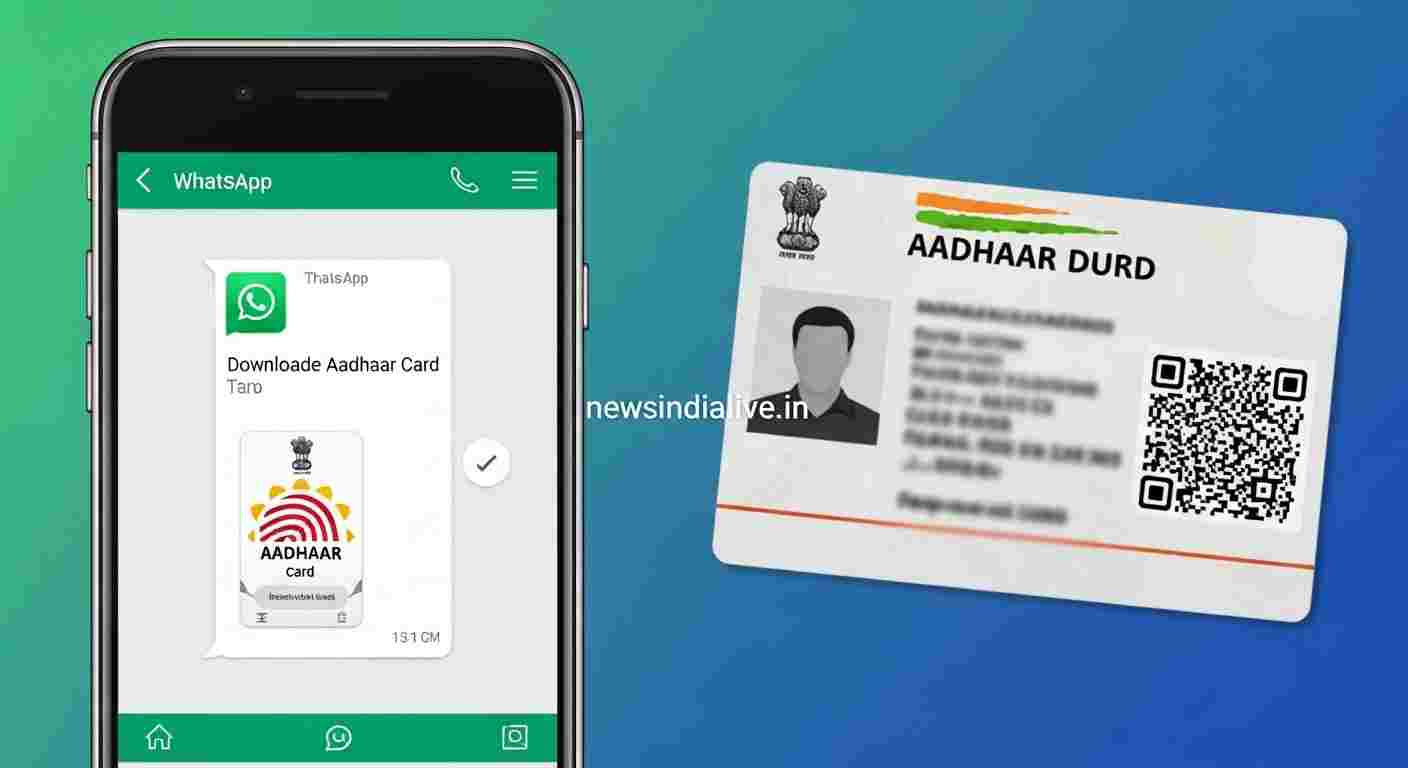
You are out for some important work and suddenly an Aadhaar card is asked from you. You focus the pockets… and remember that the purse is forgotten at home! What do we do now?
Don’t panic! Now you do not have to go to any app or website for your Aadhaar card, PAN card or driving license. The government has started such a wonderful facility, which will do all your work by writing just one ‘Hi’ on your Whatsapp.
Yes, this is absolutely true! This is the official of the government Mygov helpdesk There is service, which is now associated with Digilocker.
So let’s know the easiest way to use it:
Step 1: First save this number
This official of the government’s official MyGov Helpdesk Number is first in your phone’s contacts +91-9013151515 Save You can save it by any name, such as ‘MyGov’ or ‘Sarkari Dost’.
Step 2: Send ‘Hi’ on WhatsApp
Now open WhatsApp and send ‘HI’ or ‘Namaste’ on this saved number.
Step 3: Choose Digilocker Service
As soon as you send the message, you will get an automatic answer, which will have the option of Co-Win and Digilocker Services. You ‘Digilocker Services’ Choose the option.
Step 4: Enter your Aadhaar Number
Now the chatbot will ask you if you have a Digilocker account. You ‘Yes’ Click on After this, he will ask you for your 12 -digit Aadhaar number. Type your Aadhaar number carefully and send it.
Step 5: Verify from OTP
As soon as you enter your Aadhaar number, an OTP will come on your mobile number which is registered with your Aadhaar card. Put that OTP in WhatsApp chat and send it.
The work is done!
As soon as OTP is verified, the list of all your important documents will be revealed in Digilocker. As:
- Aadhaar card
- Pan card
- Driving License
- Vehicle RC
- 10th/12th Marksheet
Step 6: Download your document
Whatever document you want, just type its number (like ‘1’ for Aadhaar card). In a few seconds, the PDF file of that document will come directly on your WhatsApp chat!
This method is not only very easy, but also completely safe. So now the next time there is a sudden requirement of an important document, instead of taking tension, you will just open your WhatsApp!