 look news india

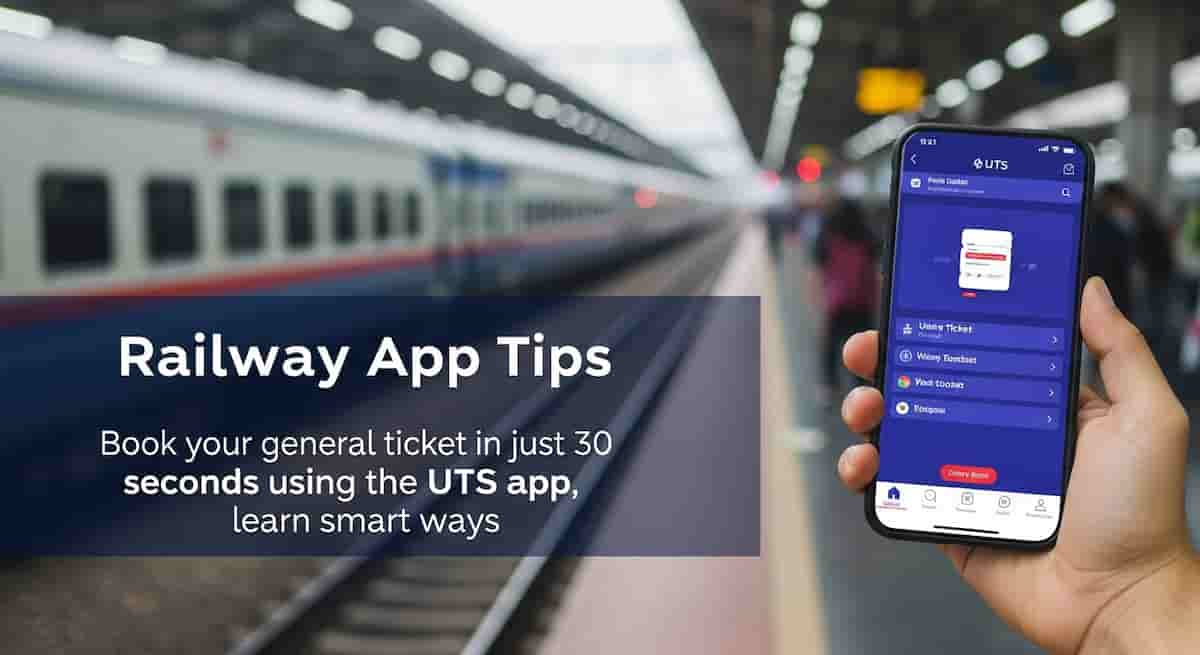
News India Live, Digital Desk: Railway App Tips: In the festive season, along with the happiness of going home, a big tension also comes-train ticket! Especially when you want to travel in an unreserved (general) coach, standing in long lines at the station does not seem less than fighting a war. Even after standing for hours, the train is missed many times. But now Indian Railways has found a very easy solution to this problem, which is named UTS app! This app will help you to return home easily even during the holidays.
The UTS app is actually ‘Unreserved Ticket System’, which has been created by the Indian Railway Catering and Tourism Corporation (IRCTC) for the convenience of passengers. This app gives you the convenience of booking unreserved tickets from mobile, which gives you freedom from long lines at the station.
Why and how to use UTS app?
This app is very useful, especially for those travelers who think of going home or traveling during the festival season and want to avoid getting in lines for general tickets. This app is very easy and your ticket is booked within a few minutes.
Here are some work tips that will help you book tickets from UTS app:
- Download the app to your phone: First of all, download the UTS app from Play Store (Android) or App Store (iOS) in your smartphone.
- Registration and Login: For the first time, one has to register on the app. It has to enter your mobile number, name and some basic information. After registration, you can login by entering your user ID and password.
- Booking by staying near the station: One important thing is that this app allows booking tickets within a radius of 20 meters of the station to 20 km radius. This means that you can book tickets only by staying in or in the station premises. This has been done so that no tickets can be booked without travel and it can prevent the misuse of tickets.
- Choose paperless or paper tickets: When booking tickets on the app, you have two options – ‘paperless’ or ‘paper’.
- Paperless tickets: If you choose ‘paperless’, then your ticket is saved directly in the app itself. You do not need to take out its printout. You can show this ticket directly in your phone while checking the ticket.
- Paper ticket: If you want a printed ticket, you can choose the ‘paper’ option. After booking tickets in this, you will have to take a printout using your booking ID from an ATSM machine or booking counter at the station.
- Wallet or online payment: You can pay tickets with R-Wallet (Railway’s own digital wallet) or other online methods like UPI, Debit Card, Credit Card etc.
By using this app, you not only save your time, but also avoid the crowd. This is a great relief in the festive season! Now instead of long lines, just by tapping a few taps you can book tickets for your journey and easily reach home.