 look news india

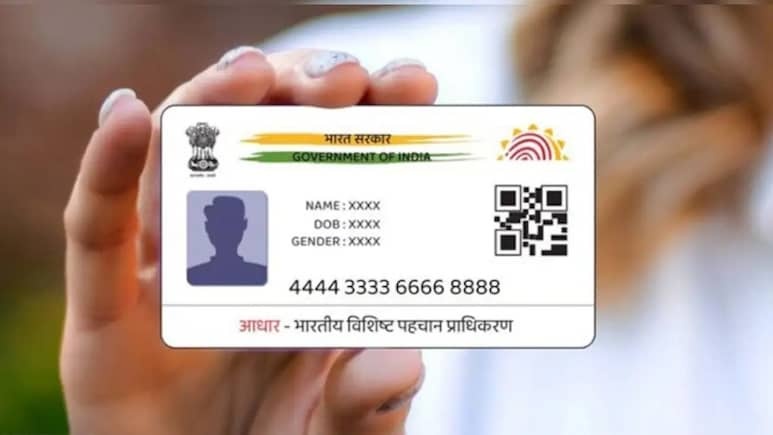
Aadhaar Card Latest Update: Is your Aadhar card more than 10 years old? If yes, then this news is very important for you. Unique Identification Authority of India (UIDAI) has issued a new guideline for Aadhaar holders. If you have not updated your information in the last decade, benefits ranging from your bank account to government schemes may stop. The good news is that the government has extended the deadline for its free update to June 14, 2026.
Why is it important to update Aadhaar?
In this era of digital verification, old data often does not match. According to UIDAI, it is mandatory to do ‘document update’ every 10 years to maintain the authenticity of Aadhaar. If your Aadhaar is not updated:
There may be problems in banking transactions.
Verification may fail in getting benefits of government schemes.
There may be difficulties in getting a new SIM card or passport.
How to check how old your Aadhaar is?
It is very easy to know the age of your Aadhar card. Look at the bottom left side of the card, there Card issue date Is marked. If your card is made in the year 2016 or earlier, then you should start the process of updating it immediately.
‘Golden Chance’ is till 14th June 2026
Giving relief to the citizens, UIDAI has kept the online update facility absolutely free.
Online Updates: ₹0 fee through myAadhaar portal till June 14, 2026.
Aadhaar Centre: If you go to the offline center to get the update done, you will have to pay a fee of ₹ 50.
alert: Updating after this deadline may result in heavy penalties or higher fees.
What documents will be required for update?
To update Aadhaar, you will have to scan mainly two types of documents:
Proof of Identity (POI): PAN Card, Voter ID or Passport.
Proof of Address (POA): Electricity bill, bank passbook or ration card.
Note: Keep in mind that the file to be uploaded should be in JPEG, PNG or PDF format and its size should not exceed 2 MB.
Step-by-step: Update like this at home
Now you don’t need to stand in long lines. You can get the job done with these 6 easy steps:
First of all My Aadhaar Portal Go to.
Enter your Aadhaar number and come to registered mobile otp Login with.
in the menu ‘Document Update’ Select the option.
Check and confirm your existing information (name, address etc.) on the screen.
Upload your documents of identity and address (POI & POA).
Press submit button. you a SRN (Service Request Number), through which you will be able to track the status in future.