 look news india

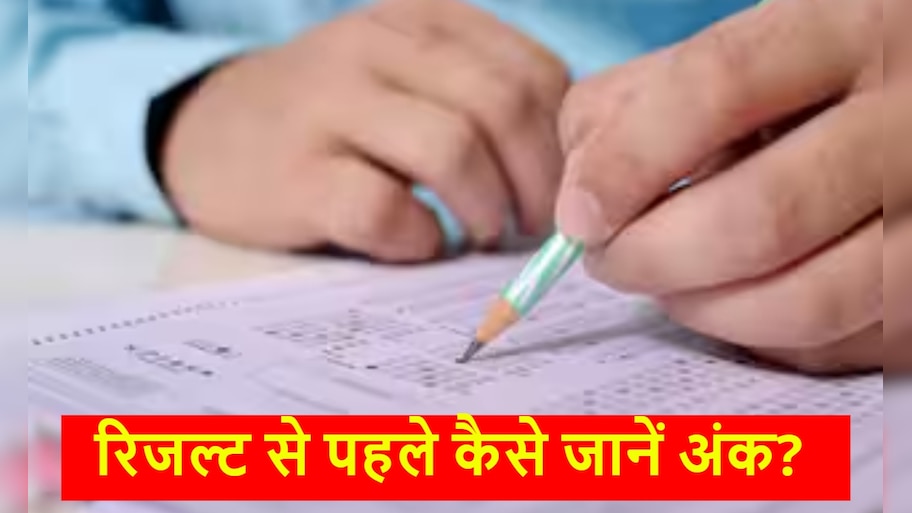
Uttar Pradesh Education Service Selection Commission (UPESSC) has released the provisional answer key and response sheet of Uttar Pradesh Teacher Eligibility Test (UPTET) 2026 on the official website. Candidates who appeared in this examination held between 2nd to 4th July 2026 can now check and download their answer key through online medium. Along with this, the Commission has also announced the dates for filing objections on questions or answers.
Last date for filing objection is 14th July, Rs 500 will be charged per question
If any candidate has any objection to any question or its answer issued by the Commission, he/she can submit his/her challenge through the online portal. Last date for filing objection By 11:59 pm on July 14, 2026 Has been decided. Candidates must note that for each objection Fee of ₹500 Must be submitted online. Along with this, scanned documents of authentic books like NCERT or SCERT will have to be uploaded as evidence. If the candidate’s objection is found correct, then this fee will be refunded to his account.
How to calculate your probable score from OMR Sheet?
UPTET is an offline pen-paper based examination, in which the answers are evaluated by a computer-based Optical Mark Recognition (OMR) scanner. With the help of ‘Student Carbon Copy’ of the OMR sheet received by you after the examination and the official answer key, you can know your exact score sitting at home.
The marking scheme of this exam is very simple because it There is no negative marking. A total of 150 questions were asked in the exam, which were of 150 marks. For every correct answer you +1 point While for wrong or unsolved questions 0 points will be met (i.e. no marks will be deducted). Match the circles on your OMR sheet with the official master answer key and calculate your score by adding up the number of options you get correct. The qualifying marks are fixed at 90 (60%) for general category and 82 (55%) for reserved category (OBC/SC/ST).
How to download UPTET Answer Key 2026?
Candidates can follow these simple steps to download the answer key and raise objection:
-
First of all the official website of Uttar Pradesh Education Service Selection Commission upessc.up.gov.in Go to.
-
Links flashing on homepage ‘Teacher Eligibility Test (UPTET-2026) -: Question Objection (Qs. Objection)’ Click on.
-
Now a new login page will open in front of you, where you will have to enter your Roll Number (or Registration Number) and Date of Birth (DOB) Must be entered.
-
Once you submit the details, your dashboard will open from where you can download the PDF of the provisional answer key of Paper-1 and Paper-2.
-
If objection is to be made, register your claim by selecting the question number from the drop-down menu and pay the fee online by attaching the certificate.