 look news india

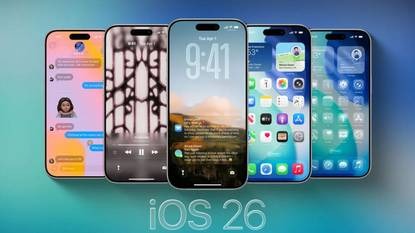
News India Live, Digital Desk: If you are an iPhone user and are forced to stare at the phone while uploading your photos to third-party apps (like Google Photos or Dropbox), then there is great news for you. Apple has announced its new iOS 26.1 The update has finally ended one of the iPhone’s years-old and biggest headache.
Now you will not need to keep the app open until the photo is uploaded. Apple has released a new framework that will allow apps to upload photos in the background, just like Apple’s own Photos app does.
What was that big problem that has now been resolved?
Till now, if an iPhone user uploaded his photos or videos to Google Photos, Amazon Photos or any other cloud service, he had to keep that app open until all the files were uploaded. As soon as you switched to another app or locked the phone, the uploading would stop after a few minutes. This was a huge hassle, especially when you had to upload a lot of files at once. Users just had to keep looking at a progress bar.
Till now, only Apple’s in-built Photos app could seamlessly backup photos to iCloud in the background. For years, users and app developers have been demanding Apple to fix this problem.
What’s new in iOS 26.1?
In the new iOS 26.1 update, Apple added a new Background Resource Upload Extension has been introduced.
According to Apple, now “the system will manage uploads on behalf of your app, and process them in the background, even if the user switches to another app or locks the device.” This means that now your phone will take care of network, power management and correct time so that the uploading continues without interruption.
Will everything be fixed after updating?
One thing is worth noting here. This feature will not start working for all apps immediately after updating to iOS 26.1 in your iPhone. App developers will also need to update their apps to use this new extension. So, when updates come to your favorite photo apps in the coming weeks, you will get to use this great feature.
What else is special in iOS 26.1?
In addition to background photo uploads, the iOS 26.1 update brings several other improvements and new features:
- Control over liquid glass design: Now users will get the option of ‘Clear’ and ‘Tinted’ to control the transparency of the liquid glass effect.
- New way to turn off alarm: To avoid accidentally setting off the alarm, now ‘slide to stop’ gesture has been provided instead of ‘tap’.
- Lock Screen Customization: Now if you want, you can disable the swipe shortcut that opens the camera from the lock screen, so that the camera does not open by mistake.
This update is currently in beta testing and is expected to be rolled out to all users in early November.