 look news india

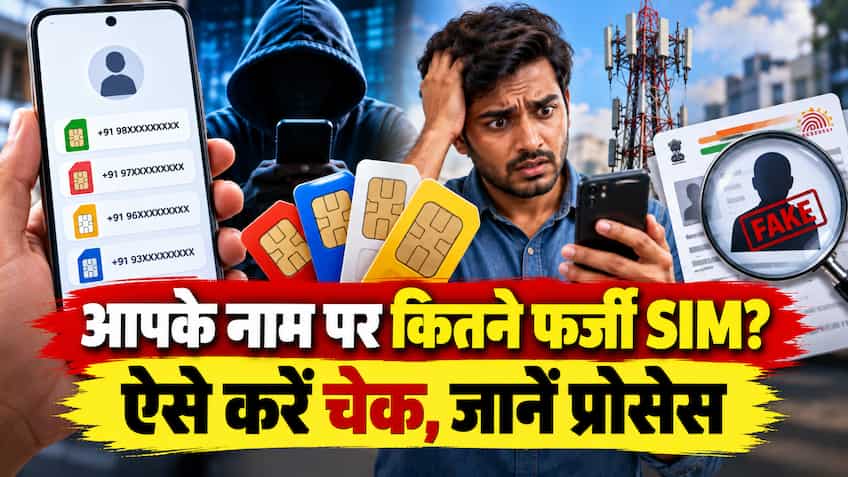
With the expansion of digital services and online transactions in the country, there has also been a huge increase in cases of cyber fraud and fraud. It is often seen that people go to a local shop or agent to buy a SIM card and there their biometric data or photocopy of Aadhaar card unknowingly goes into the wrong hands. Fraudsters secretly activate a second or third SIM card using the same identity card. These fake numbers are used in online financial fraud, digital arrest, lottery scams or criminal activities.
Whenever a cyber crime occurs, the investigating agencies first reach out to the registered owner of that mobile number. In such a situation, if any unauthorized number derived from your Aadhaar card is caught in any illegal activity, then the primary liability becomes yours in the eyes of the law. Therefore, it is very important to check from time to time how many SIM cards are actually currently active in your name and identity card.
In the new Telecommunications Act implemented by the Central Government, provisions have been made for very strict punishment for buying, selling or keeping SIM cards on fake identity cards. Cases of obtaining SIM by fraud, fake ID or by misusing the documents of others (SIM Identity Theft) have been kept in the category of cognizable crime.
Under the new legal rules, any person who obtains a SIM card through forged documents or fake identity can face a maximum jail term of up to 3 years or a heavy fine of up to ₹50 lakh, or both. Additionally, there is a legal limit of holding a maximum of 9 SIM cards in one person’s name (maximum 6 SIMs for Jammu-Kashmir, Assam and North-Eastern states). There is a provision of administrative fine ranging from ₹ 50,000 to ₹ 2 lakh per SIM for operating SIM cards beyond the limit without valid permission.
Department of Telecommunications (DoT) has launched ‘Sanchar Saathi’ portal and TAFCOP (Telecom Analytics for Fraud Management and Consumer Protection) tool under it for the safety of citizens. Through this government portal, any citizen can see the list of all SIM numbers issued in his name sitting at home.
The step-by-step process to check is very simple:
-
First visit the official portal in your mobile or computer browser sanchar saathi.gov.in Open.
-
Go to the Citizen Centric Services section on the homepage and “Know Your Mobile Connections (TAFCOP)” Click on Options.
-
Enter your 10 digit active mobile number there and fill the captcha code shown on the screen.
-
Log in by entering the 6 digit OTP received on your phone.
-
Once you log in, the screen will display a list of all the mobile numbers (with partially hidden digits) that have been issued on your identity card.
As soon as the list of numbers opens on the screen, you should look at each number carefully. If you see a number in the list that you never purchased, or an old number that you blocked years ago, you can immediately report it through the portal:
-
Tick the box next to a number that is not yours and “Not My Number” Select the option (This is not my number).
-
If a number was yours but you are no longer using it, “Not Required” Click on the (No longer needed) option.
-
followed by the following “Report” Click on the button.
Once the report is submitted, the system will issue you a reference ticket number (Ticket ID). After this the telecom department sends an alert to the concerned telecom company (Airtel, Jio, Vi or BSNL). The telecom operator starts the re-verification process for that number and permanently blocks and deactivates that fake connection if the verification fails.
It is essential to take some basic precautions to avoid misuse of SIM card. Never leave the physical photocopy of your Aadhaar in the open while getting a SIM card at any shop or unauthorized roadside stall. Even if you are giving a photocopy, then clearly write on it along with the signature that this copy is being given only on which date and to get the SIM of which company.
Apart from this, keep checking the status of the numbers registered in your name by visiting the Sanchar Sathi portal regularly every two to three months. If your mobile phone is ever lost or stolen, you can contact us through this portal. CEIR (Central Equipment Identity Register) option to immediately block your phone’s IMEI number, so that no one can misuse your handset or SIM.