 look news india

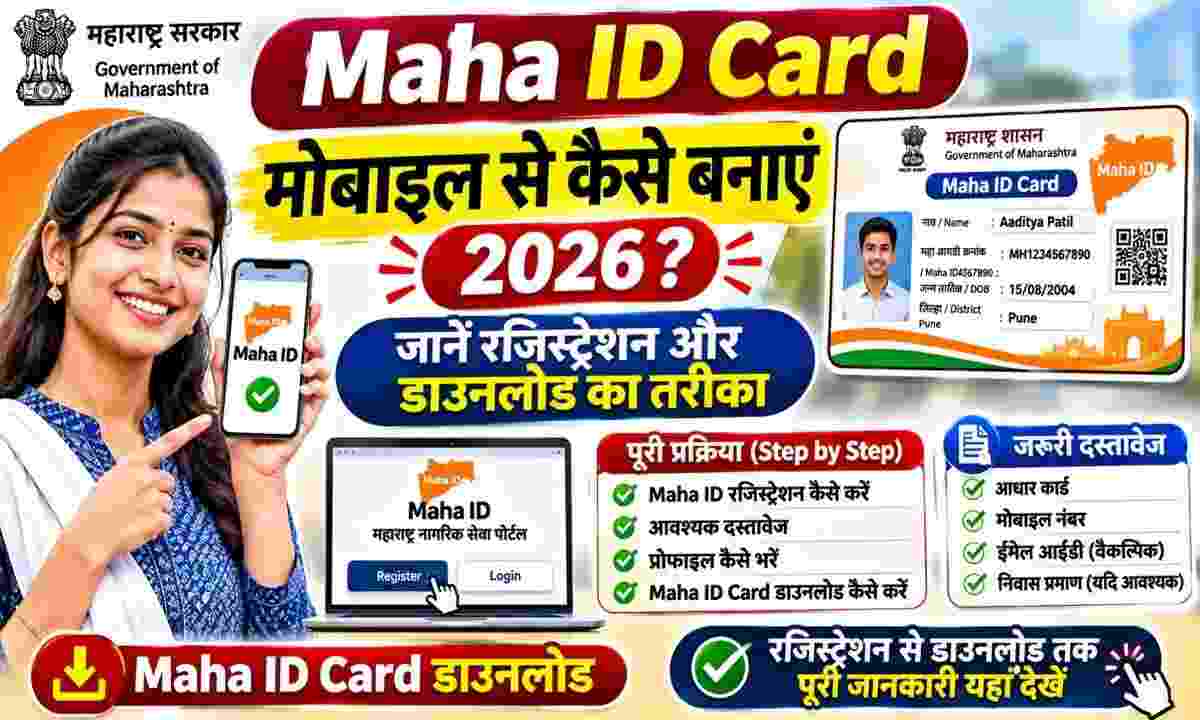
Mumbai/Pune/New Delhi: Citizens will no longer need to repeatedly submit thick files of documents in different government offices to avail the benefits of various welfare schemes, scholarships, pensions, ration and Kisan Samman schemes of the Maharashtra Government. Taking a revolutionary step towards digital governance, the State Government has launched ‘MahaSarathi’ integrated citizen data platform, through which every eligible resident and family of the state is being provided a unique digital identity number i.e. ‘Maha ID’ (Maha ID / Family ID). The utility of this digital card has increased significantly in the year 2026, as the government has started linking most of the Direct Benefit Transfer (DBT) and citizen services to this ID under Single Sign-On (Maha SSO). The biggest convenience is that you can create and download your Maha ID Card absolutely free of cost in just a few minutes from your smartphone, without spending money on any agent or public service center.
MahaSarathi Card is an Aadhaar-linked digital family and citizen identification system developed by the Government of Maharashtra. When a citizen registers on this portal, his basic personal data, family details and address records are securely verified and linked to a unique number. Its biggest advantage is that in future whenever you apply for any new scheme or certificate of the state government, you will not need to upload Aadhaar card, ration card or income-residence certificate again and again; The system will automatically verify your eligibility by simply entering your Maha ID number. Apart from this, this digital credential has also been integrated with ‘DigiLocker’ by the Government of India, so that citizens can keep the official digital copy safe in their mobile at any time.
To get Maha ID made, it is mandatory for the applicant to be an Indian citizen and a permanent resident of Maharashtra state. No minimum or maximum age limit has been set for this card, meaning everyone from children in the family to senior citizens can register. To apply from mobile sitting at home, you must have Aadhar card and the most important thing is that your active mobile number should be linked to your Aadhar card so that instant verification can be done through OTP. If a citizen does not have the facility of Aadhaar OTP or wants to add family details through ration card, then the option of registration through ration card number has also been provided on the official portal.
To create Maha ID from your smartphone, first open the official portal of Maharashtra Government mahasarathi.maharashtra.gov.in in your internet browser. On the home page of the website, you will see the option of ‘Citizen Registration’ or ‘New Registration’, tap on it. Here you will get two options for registration—first through Aadhaar number and second through ration card details. On selecting Aadhaar option, enter your Aadhaar number, tick the Consent checkbox and press ‘Send OTP’ button.
Complete the verification by entering the six-digit OTP received on the mobile number linked to your Aadhaar. Once the OTP is verified, your name, date of birth, gender and address as per Aadhaar data will automatically appear on your screen. Next set up your active mobile number, email ID, set a strong password and add details of your other family members if asked. After checking all the information thoroughly, click on the ‘Submit’ button. As soon as you submit, your unique ‘Maha ID’ will be generated on the screen and you will also receive its message through SMS and email.
After completion of registration you can download your digital card in two easy ways. Under the first method, go back to the official portal mahasarathi.maharashtra.gov.in and click on ‘Citizen Login’. Log in here by entering your newly created Maha ID or Aadhaar number and password or OTP. When the dashboard opens, go to the ‘Profile’ or ‘Quick Actions’ section, where the option of ‘View / Download MahaSarathi Card’ will be available. By clicking on it, you can download a high-quality PDF and if you want, you can also get it printed on a PVC card.
In the second method, open ‘DigiLocker’ app in your mobile and log in with your mobile number or Aadhaar. Go to ‘Search Documents’ section of the app, select ‘Maharashtra’ state and click on ‘MahaSarathi / Family ID’ option. Give consent by entering your Aadhaar or Maha ID number here. In a few seconds your digital Maha ID Card will be saved in ‘Issued Documents’ of DigiLocker.
Citizens of all districts of Maharashtra including Mumbai, Pune, Nagpur, Nashik, Chhatrapati Sambhajinagar, Thane and Kolhapur are advised to use only the government domain (.gov.in) website mahasarathi.maharashtra.gov.in while applying. There are many similar private websites on the Internet that charge fees in the name of this free government service. Do not share your Aadhaar number or OTP on any unknown link and keep a safe note of your Maha ID number after registration.