 look news india

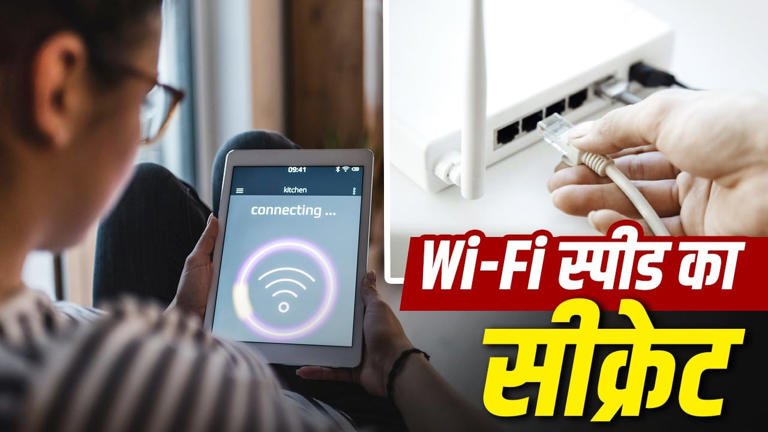
In today’s digital era, having a high-speed broadband connection at home has become essential for every work. From work from home, online classes, video streaming to online gaming, everything depends on Wi-Fi. But many times, despite taking a good and expensive plan, suddenly the internet speed becomes very slow. Videos start lagging frequently and file downloading takes hours. Most people immediately assume it to be a fault of the service provider or internet service, but the reality is that often some of our own unseen mistakes weaken the Wi-Fi signal.
Wi-Fi signals spread through radio waves. If you’ve placed your Wi-Fi router in a corner of a room, near the floor, inside a closed cupboard, or behind heavy walls, the signal may not be able to reach throughout the house. Additionally, placing the router right next to electronic devices like a microwave oven, cordless phone, Bluetooth speakers, TV or refrigerator is a big mistake. These devices operate on the 2.4 GHz frequency, which causes electromagnetic interference and may reduce or weaken Wi-Fi signals.
Almost all modern routers these days come with ‘dual-band’ support, which consists of two separate networks, 2.4 GHz and 5 GHz.
-
2.4 GHz Band: It sends signals over long distances, but its speed is limited and there is a lot of congestion from neighboring Wi-Fi networks.
-
5 GHz Band: It provides superfast speed and uninterrupted internet data transfer in short distances.
If your laptop or smartphone is connected to a 2.4 GHz network even though it is close to the router, you will not get the full speed. Always connect to the 5 GHz band for high-speed data and gaming.
After sharing the Wi-Fi password with guests or neighbors, people often forget to change it. When multiple mobiles, smart TVs, tablets and laptops are connected simultaneously to the same network, the bandwidth of the network gets divided. Additionally, many smart TVs, TV sticks or gaming consoles run auto-updates, cloud backups and syncing in the background, clogging data lines and slowing down core tasks.
If you want to get rid of slow Wi-Fi speeds, try these easy settings and tips right away:
-
Place in central and high location: Always place the router on a table or wall in the middle of the house at a height of at least 4 to 5 feet, so that the signal can spread in all directions without any interruption.
-
Regular restarts and reboots: At least once a week, turn the router off and on again for 1 minute. This clears the cache memory of the router and refreshes the network.
-
Update Router Firmware: From time to time, go to the router’s settings and update its firmware. This fixes bugs and strengthens security.
-
Strong Password and WPA3 Security: Change your Wi-Fi password periodically and block unwanted connected devices from the router app or admin panel.