 look news india

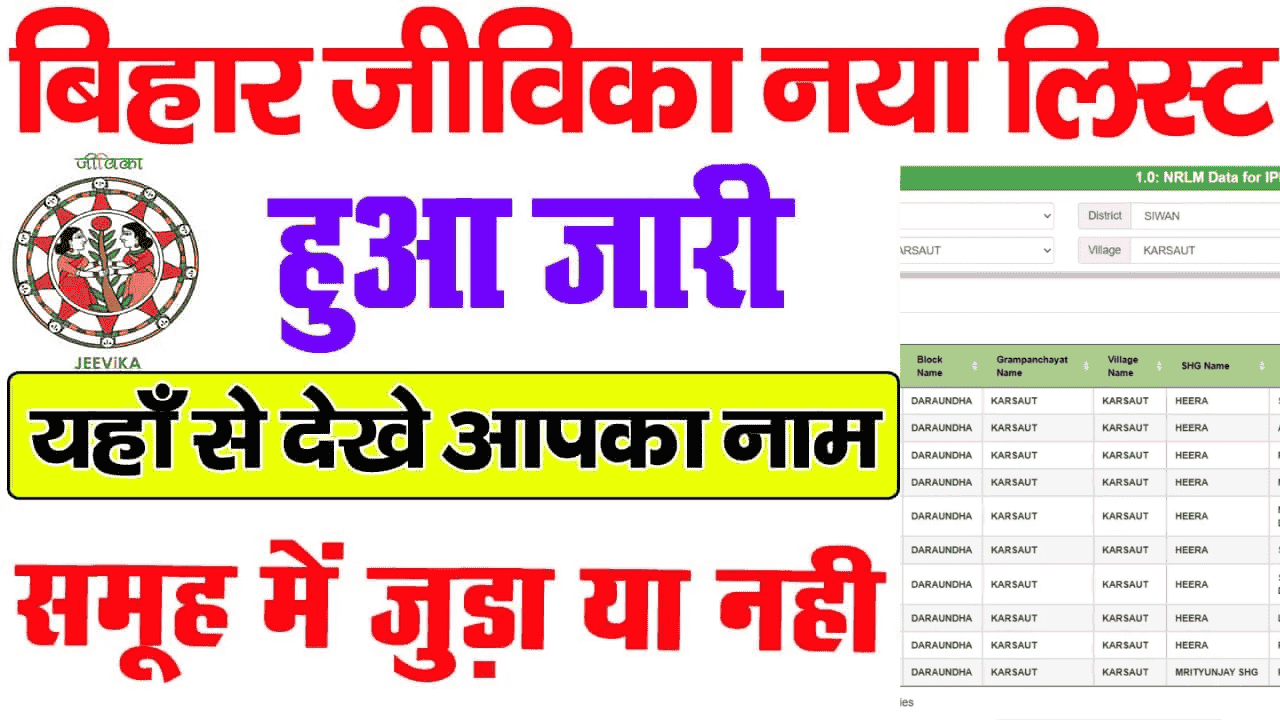
Bihar Rural Livelihood Promotion Committee (BRLPS – Jeevika), operated under the Rural Development Department of the Government of Bihar, is a major medium towards economically and socially empowering the rural women of the state. By joining Self Help Groups (SHGs) formed under Jeevika, women are taking direct benefits of small business, self-employment, low interest loans and government schemes.
If you have also applied to join Jeevika group or you are already associated with any group and want to check your status in the official records, then now you do not need to visit any block or panchayat office. Digital reporting system has been started on the official portal of BRLPS, through which any woman can check and download her name in the Panchayat and group wise member list from her mobile within a few minutes.
No user ID or password is required to view the online list. All you need to have is this basic information:
-
Smartphone or computer with internet connection
-
Name of your district
-
Name of your block
-
Name of your Gram Panchayat and village
-
Name of your Self Help Group (SHG) or SHG ID (if available)
Step 1: Visit the official portal
First of all visit the official website of BRLPS Jeevika in your mobile or computer browser. brlps.in Open.
Step 2: Select the Reports (Reports / SHG Search) section
Go to the menu bar on the homepage ‘Reports’ Or ‘SHG Search Report’ Click on the option.
Step 3: Select District and Block
Now you will see the list of all 38 districts of Bihar. From this, click on the name of your respective district. After this, the list of all the blocks falling under that district will open, in which select your block.
Step 4: Select Gram Panchayat and Village
After selecting the block, details of all the villages and wards of your Panchayat will be visible. Click on your respective Panchayat.
Step 5: View the list of Self Help Groups (SHGs)
As soon as you reach the Panchayat level, the complete list of all active self-help groups (SHG Name, Formation Date and SHG ID) operating in your area will appear on the screen.
Step 6: Click on your group and check the member list
As soon as you click on your group name or SHG ID, the names, positions (President, Secretary, Treasurer or General Member), bank account and Aadhaar mapping status of all the members associated with that group will be displayed on the screen. You can also save a PDF copy of this list from the ‘Print/Download’ option given on the page.
If your name is not appearing in the online list or there is an error in any information (like spelling of name, Aadhaar linking or bank account), there is no need to panic:
-
Community Coordinator (CC) / Village Organization (VO): Inform this in your Village Organization (VO) meeting or contact the Livelihood Community Coordinator (CC) of your area.
-
Block Project Manager (BPM) Office: You can apply for data updation with your Aadhaar and group passbook by visiting the Jeevika (BRLPS) office located in your block office.
-
Toll-free helpline: For any technical issue one can contact on the official helpline number or contact form.
Women who join Bihar Jeevika receive a number of social and economic benefits:
-
Loans at accessible and low interest rates: Easy financial assistance to start small business, farming, animal husbandry or shop at local level.
-
Direct benefits of government schemes: Direct benefits of ‘Sustainable Livelihood Scheme’ and Chief Minister’s financial schemes related to women entrepreneurship.
-
Skill Development and Training: Special training in tailoring, incense sticks making, dairy, poultry and digital literacy.
-
Social security and self-reliance: Regular saving habit, collective decision making ability and social empowerment.