look news india

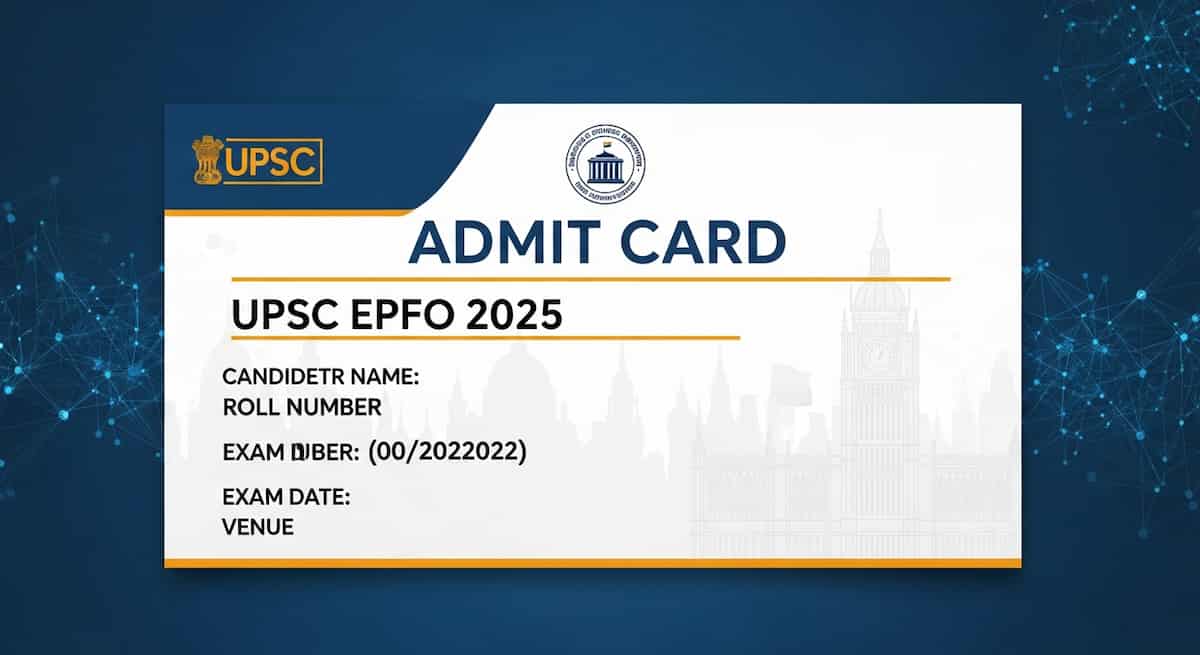
News India Live, Digital Desk: For every student preparing for a government job, the ‘admit card’ is no less than an invitation letter to a festival. And when UPSC (Union Public Service Commission) If it happens, then it is natural for the heartbeat to increase.
If you are also one of the lakhs of candidates who have voted for the year 2025, EPFO (Enforcement Officer / Accounts Officer and APFC) If you have worked hard for the recruitment exam, then there is a big news for you. The key to your dreams i.e. ‘Admit Card’ The time has come to download the Admit Card.
It is often seen that students panic as soon as the link arrives or the site becomes slow due to increased traffic on the website. Don’t panic! We are telling you a very simple and easy way by which you can save your hall ticket in your phone or laptop without any hassle.
Where to get admit card?
No need to worry about clicking links here and there. UPSC examinations are completely transparent, so you have to directly contact the Commission. Official website (upsc.gov.in) But I have to go. Remember, do not enter your registration number on any unauthorized (fake) site.
Easiest way to download admit card (Step-by-Step Guide)
Suppose you are not a computer expert, still you can withdraw your card in 2 minutes by following these easy steps:
- Visit Website: First of all, type ‘UPSC Official Website’ in the browser of your mobile or computer or open upsc.gov.in.
- Admit Card Link: On the home page itself, you will find it on the right side or in the ‘What’s New’ section. “e-Admit Card: UPSC EPFO Exam 2025” The writing will appear glowing. Click on it.
- read the instructions: The Commission always lays out some important rules first (like Covid protocol or ID proof rules). Read them and click ‘Yes’ below.
- Login: Now you will have two options-
- either Registration ID From.
- or else Roll Number From.
(If you don’t remember these, there is also a ‘Forgot RID’ option, so don’t worry).
- Date of Birth: Enter your correct ‘Date of Birth’ (DOB) and captcha code.
- Download and Print: Just submit and your admit card will appear on the screen. Save it as PDF instantly and use it for future reference. print out (Hard copy) please get it out.
Don’t forget to check the admit card as soon as it arrives (Don’t miss this!)
Most of the students download the admit card and keep it and see it directly on the exam day. This mistake can prove costly. Check as soon as you download:
- is yours spelling of name Correct?
- What Photo Is it yours and is it clearly visible?
- What Signature Are you in the right place?
- Yours Exam Center Where has he come?
If there is any discrepancy in these, immediately email UPSC or contact the helpline. Nothing will be possible later.
Exam Day Tips
Friends, this is UPSC exam, discipline matters a lot here.
- Reach the center at least 1 hour before.
- Your one with admit card Original ID Proof (Like Aadhar Card, Voter Card or PAN Card) must be carried.
- It is wise to carry a passport size photograph.