 look news india

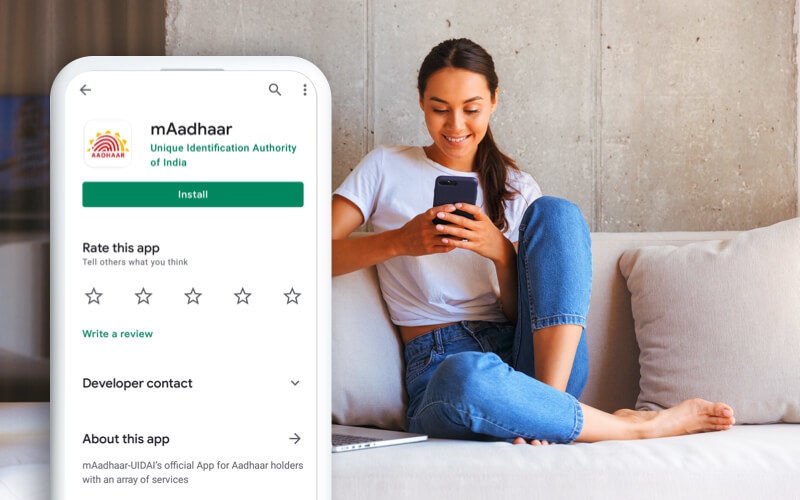
If you also use ‘mAadhaar’ app in your smartphone to ease the work related to Aadhaar card, then this news is very important for you. Unique Identification Authority of India (Unique Identification Authority of India)UIDAI) has taken a major strategic decision and announced that the existing mAadhaar app will now be completely closed gradually (Phase-wise).
This old app has now been replaced with a completely updated and secure one. New ‘Aadhaar’ app Will take. UIDAI has appealed to all the citizens of the country to leave the old app and shift to the new app as soon as possible. This new official app has been made available for download on both Android (Google Play Store) and iOS (Apple App Store) platforms.
Why is the old app being discontinued? What is the new objective?
UIDAI has 28 January 2026 This new ‘Aadhaar’ app was officially launched. The main objective behind bringing this is to stop the increasing misuse of Aadhaar card, to provide protection from cyber fraud and to provide more control to common citizens over their personal digital information.
new aadhaar app state of the art Face Authenticationsecure QR code verification And is based on modern technologies like ‘digital identity sharing’. With its arrival, all government and non-government related work related to Aadhaar will become many times more secure and easier than before.
Biggest change: Now photocopy of Aadhaar will not have to be given!
Till now, we had to give a Xerox copy of our Aadhaar card to check-in at a hotel, buy a new mobile SIM card, get a rental agreement or for bank related work. Because of this, sensitive information like our date of birth, complete address and Aadhaar number would unknowingly go to outsiders or private organizations, due to which there was a risk of data leak.
New privacy feature: The entire focus of the new Aadhaar app is to eliminate this serious problem from its roots. Now users will not need to give their physical copy anywhere. Those generated within the app Dynamic QR Code Through this, you will be able to verify your identity and will share only that much selective information (Selective Data Sharing) with the other organization as is necessary for that work.
These 6 cool features will be available in the new ‘Aadhaar’ app
-
Face ID Verification: Now even without fingerprint or OTP, you will be able to verify Aadhaar with your face scan (Face Authentication).
-
QR Code Contact Card: A secure contact card will be available to share your identity digitally.
-
Biometric Lock/Unlock: Users will be able to lock or unlock their fingerprint and Iris data in just one click, so that no one else will be able to misuse your biometrics.
-
Multiple Profiles: Family max within the same smartphone 5 Aadhaar Profiles Can be added and managed.
-
Online Updates: Online requests for changing or updating mobile number and home address can be submitted through the app only.
-
Free Document Update Date Extended: Giving another big relief to the countrymen, UIDAI has made the documents related to identity and address (PoI/PoA) available on the Aadhaar portal. The free update period has been extended for a full year. Earlier this free facility was to be available only till June 15, 2026, which has now been extended. 14 June 2027 Has been done.
How to move from old app to new app? (Step-by-Step Guide)
Many people feel that to switch to a new app they will have to transfer heavy data again, but this is not the case at all. You don’t need to transfer any data manually, just follow the simple steps given below:
-
step 1: By visiting the Play Store of your Android phone or the App Store of your iPhone, the new official ‘Aadhaar’ download app. After the download is complete, if you want, you can uninstall (remove) the old ‘mAadhaar’ app.
-
Step 2: Open the new app and start your aadhaar number And log in by entering the PIN of the old mAadhaar. After this, verify by entering the OTP received on your registered mobile number.
-
Step 3: In the next step, under the security standards, you will have to verify your Biometric or Face Authentication Must be completed.
-
Step 4: Finally, add a new password of your choice to further strengthen the security of the app. 6 digit password (MPIN) Set up.
As soon as you complete these steps, your new Aadhaar app will be completely activated and ready for use. After this you will be able to access all your digital identity services in a highly secure and modern way.