look news india

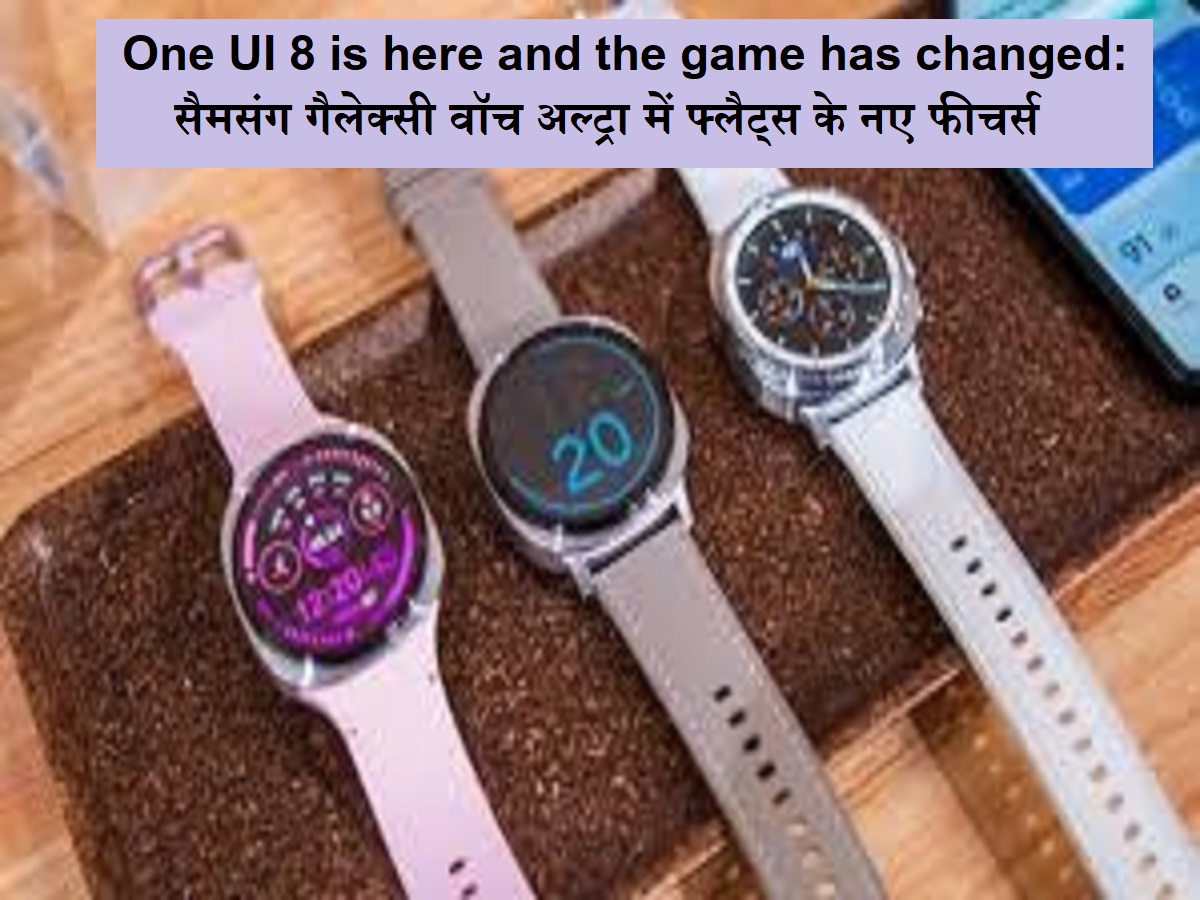
News India Live, Digital Desk: One UI 8 is here and the game has changed: Samsung has started releasing the latest One UI 8 updates for its premium smartwatch Samsung Galaxy Watch Ultra. This is an important software update that will improve smartwatch’s performance, user interface UI and overall user experience. One UI 8 includes many new features and improvements, making the Galaxy Watch Ultra even more powerful and comfortable. If you own the Galaxy Watch Ultra, this update will take your smartwatch to a new level.
The main features and improvements of One UI 8 update in Samsung Galaxy Watch Ultra:
Better performance: The speed and response of smartwatches will improve after the update, which will load the applications more rapidly.
New UI user interface: One UI 8 brings a new, attractive and more spontaneous user interface, which will make navigation easier and more visible. New icons and better layouts will experience better.
Health and fitness improvement: The algorithm of fitness tracking has been improved, which will make heart rate monitoring, SPO2 (blood oxygen) tracking and sleep tracking data more accurate and wide. Some new workout mode or fitness coaching features can also be found.
Battery optimization: Updates include optimization to improve battery life, which will give you a chance to use your watch on single charge for a long time.
Connectivity improvement: Bluetooth and Wi-Fi connectivity have been improved, which will make the watch connection with phones and other devices more stable.
Security Patch: The latest security patch will also include, which will protect your devices and data from the latest hazards.
Smart Home Integration Potential: This update can also provide better integration facility with Samsung Smartathings, so that you will be able to control your smart home devices with your watch.
How to download and install One UI 8 update:
Make sure that the watch is charged: Before updating, make sure that your Galaxy Watch Ultra is at least 50% charge, preferably fully charged.
Keep connected to the phone: Keep your watch connected to your smartphone through Bluetooth.
Open the galaxy wearable app: Open Samsung Galaxy Wearable App in your phone.
Go to Watch Settings: Tap on ‘Watch Settings’ in the app.
Go to Watch Software Update: Tap on the ‘Watch Software Update’ option.
Download and install: If the update is available, you will see the option of ‘Download and Install’. Tap on it.
Wait: After the update is downloaded, it will start to be installed automatically. Do not use the watch during this process or do not stop it.
Restart: The watch may be restored automatically after the update is successfully installed.
If you do not get the update immediately, be patient, as these rollouts are often done in stages and may take some time to reach all areas.