 look news india

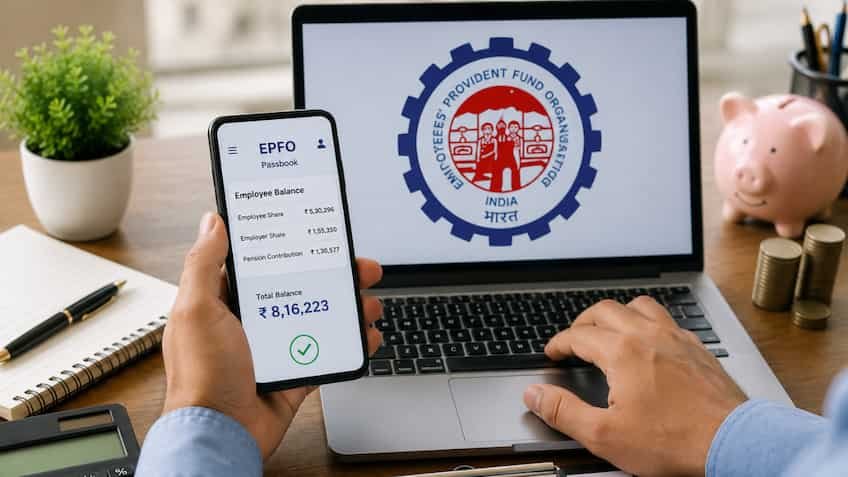
For employed employees, Employee Provident Fund (EPF) is not just a monthly savings but also the biggest financial support at the time of retirement, children’s higher education, marriage or any medical emergency. Now it has become very easy to submit online PF claim (Advance PF / Final Withdrawal) sitting at home through Digital India and EPFO’s Unified Member Service Portal. However, according to statistics, even today 30 to 35 percent of online claims are rejected due to technical errors or data mismatch. When there is a dire need of money in an emergency, claim rejection becomes a cause of immense mental distress for the employees. Employees Provident Fund Organization (EPFO) has cautioned the subscribers and advised them to check the 6 most important information of their profile carefully before filing the claim.
1. Mismatch of name and date of birth in Aadhar Card, PAN and UAN
The most primary and common reason for rejection of PF claim is spelling or date of birth error in the records. The EPFO portal is now fully integrated with the database of the Unique Identification Authority of India (UIDAI).
-
If the name, father’s name or date of birth recorded on your Aadhaar card does not match even slightly with your EPFO records (like difference of Kumar, Singh or space mistake), the auto-claim processing system immediately rejects the form.
-
Solution: By logging in to the Unified Member Portal Manage > Modify Basic Details Go to and submit the request as per your Aadhaar details. Minor changes get updated instantly with Aadhaar OTP.
2. Bank Account KYC and Active IFSC Code
PF money is sent directly to your bank account. If the bank KYC in your profile is incomplete or incorrect, the claim will never go through.
-
If your bank has recently merged with another bank, the old IFSC code becomes invalid.
-
Your name in the bank account and the name in the PF record should be 100% identical.
-
Solution: Manage > KYC Go to the section and enter your current bank account number and new IFSC code. Get it approved by your employer through digital signature (DSC).
3. Clear copy of check book or attestation of pass book
While filing online claim (Form 19, 10C, 31), photo/PDF of the first page of canceled check or bank passbook has to be uploaded.
-
Often members upload blurry, cropped or images with resolution less than 100 KB, due to which the system is unable to scan the bank account number and IFSC code.
-
It is mandatory to have the employee’s name printed on the cheque. If there is no name on the cheque, then upload only the passbook attested and stamped by the bank manager.
4. Date of Exit is wrong or not recorded
If you have left the old company and joined a new organization or are making full and final PF withdrawal, it is mandatory for the company to update your date of leaving previous job (DOE) on the portal.
-
You cannot claim the final settlement until the old company enters the date of exit on the portal.
-
Solution: Now EPFO has given the facility to the employees to mark the date of exit themselves. You joined the portal two months after leaving the previous company. Manage > Mark Exit You can update your last working date yourself by going to the option.
5. Service history of old and new company not merging (Online Transfer)
Often employees forget to transfer their previous PF account to the new company while changing jobs. Due to this, many different Member IDs remain active under their UAN.
-
If the total period of your previous services is more than 5 years but they are not merged, unnecessary tax (TDS) may be deducted at the time of withdrawal or an error of service overlap may occur.
-
Solution: Before filing claim online Online Services > One Member – One EPF Account (Transfer Request) Go to and transfer the balance of all your old member IDs to the existing active account.
6. Linking active mobile number with UAN
The entire security of the EPFO portal is based on Two-Factor Authentication (2FA) and Aadhaar OTP. If your mobile number which was registered with Aadhaar card or UAN has been switched off, you will not be able to complete the final authentication of the claim process. Before filing the claim, ensure that your mobile number is active and updated with both Aadhaar and EPFO.