 look news india

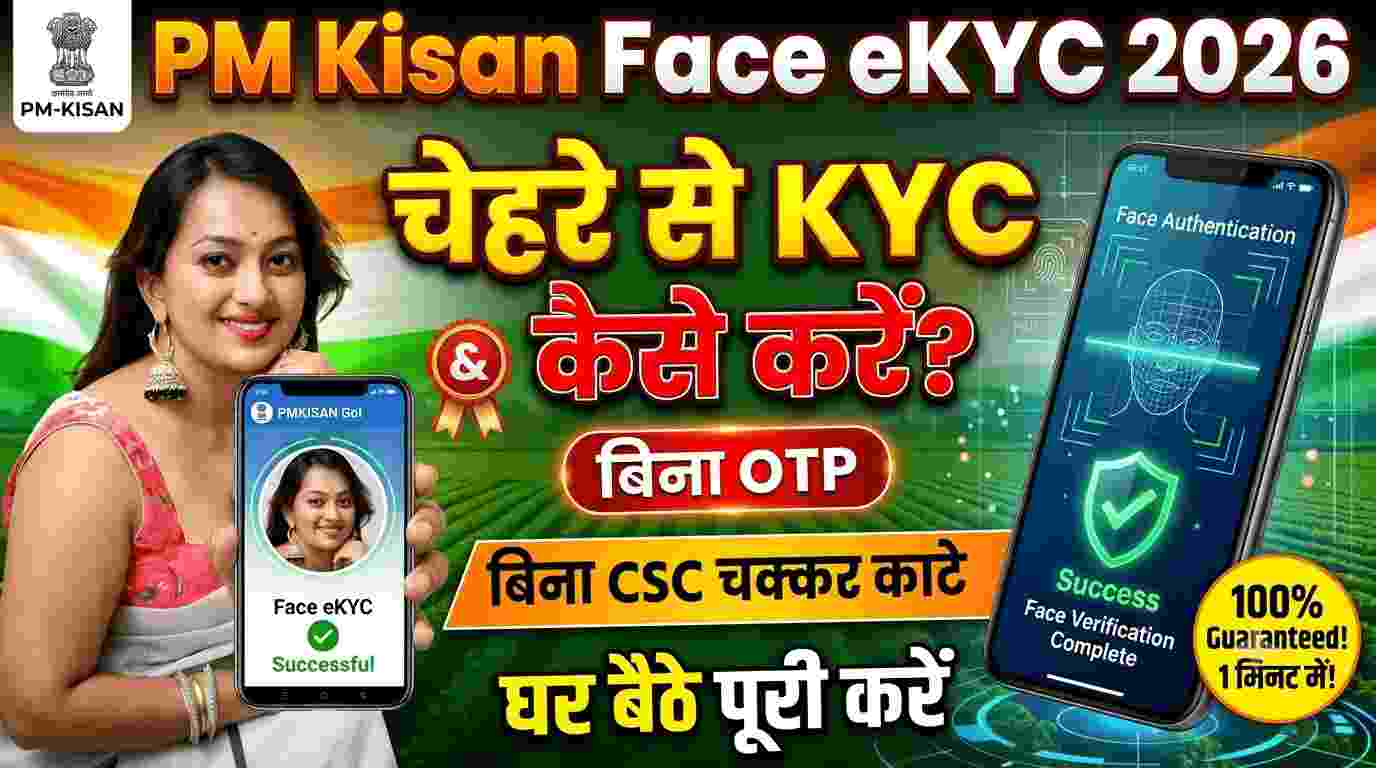
New Delhi/Lucknow. The digital initiative of the Central Government has given great relief to crores of farmers associated with the Pradhan Mantri Kisan Samman Nidhi Yojana (PM-KISAN). Often farmers in rural areas had to face huge difficulties in completing their e-KYC. Someone’s mobile number was not linked to the Aadhaar card, while an elderly farmer’s thumb could not be matched on the biometric machine of the Common Service Center (CSC) due to worn lines on his hands. By eliminating all these practical problems, the Ministry of Agriculture and Farmers Welfare has made the Face Authentication based e-KYC system very simple and accessible. Under the latest system of the year 2026, now a farmer sitting in any state, district or village of the country can complete his KYC process by just scanning his face with the front camera of his smartphone without any OTP and fingerprint.
To get the benefits of the upcoming installments of Pradhan Mantri Kisan Samman Nidhi Yojana directly into the bank account (DBT) without any interruption, the government has made e-KYC mandatory for all the registered beneficiaries. Recently, after the release of the 24th installment on October 30, 2026, a large number of farmers came forward whose money was stuck only due to incomplete KYC. To solve this problem, UIDAI’s FaceRD software has been linked with the PM Kisan mobile app. Through this technology, the live face of the farmer is scanned and directly matched with the Aadhaar database. Its biggest advantage is that neither is there any compulsion to ask for OTP on the mobile number linked to Aadhaar nor is there any need to spend money at the public service center.
Before starting the face authentication process through mobile phones, farmers need to have some basic resources. First of all, you should have a working Android smartphone whose front camera works clearly. It is important to have a good internet connection in the phone so that the data can be synced immediately with the Aadhaar server. Apart from this, you should have your 12 digit Aadhar card number or PM Kisan registration number available. In terms of software, you will need to download two official government applications from Google Play Store—the first is ‘PMKISAN GoI’ app and the second is ‘AadhaarFaceRD’ app. Keep in mind that the AadhaarFaceRD app does not appear as a separate icon on the home screen of the phone, rather it works with the PM Kisan app in the background to scan the face.
Doing KYC through face authentication is very easy and takes only two to three minutes. First of all, go to Google Play Store of your mobile and install both PMKISAN GoI and AadhaarFaceRD apps. After the app is installed, open the PM Kisan App and select your preferred language (Hindi or English) and submit. After this, you will see the option of ‘Login’ on the home screen, which will have to be tapped. On the next page, select ‘Beneficiary’ as the login type. Here you will get the option to enter Aadhaar number or registration ID. Enter your Aadhaar number and click on ‘Facial EKYC Login’ button below. As soon as you click, the front camera of your mobile will automatically open and a red round circle will appear on the screen. Keep your face straight inside this circle and blink your eyes while looking towards the camera. The red circle will change to green as soon as your face matches the Aadhaar database. After this, set a new 6 digit MPIN for security and submit. After logging in to the dashboard, if your KYC is pending, your process will be successful once you complete the face scan again by going to the e-KYC option. The special thing is that through the same mobile app, you can also do KYC of other elderly farmers of your family or village by using the option ‘eKYC for other beneficiaries’.
Many times farmers complain about face scan not happening even after downloading the app. According to technical experts, face authentication is successful only when there is sufficient light falling on the face. In a dark room or when there is strong sunlight coming from behind, the camera is not able to read the facial features properly. When scanning, remove glasses, hat or mask and hold the camera exactly parallel to the eyes. Also, remember to blink naturally as instructions appear on the screen, as the system tracks eyelid movements to confirm the person is alive.
The data gets updated on the government portal within 24 to 48 hours of completion of the facial KYC process. To confirm this, go to the official website pmkisan.gov.in. There on the homepage, click on the ‘Know Your Status’ option in the ‘Farmers Corner’ section. View details by entering your registration number and captcha code. Three key points will appear on the screen under ‘Eligibility Status’—Land Seeding, e-KYC Status and Aadhaar Bank Account Seeding. If ‘YES’ is written in green color in front of e-KYC Status, it means that your KYC has been completed successfully and the next installment is all set to come into your account.