 look news india

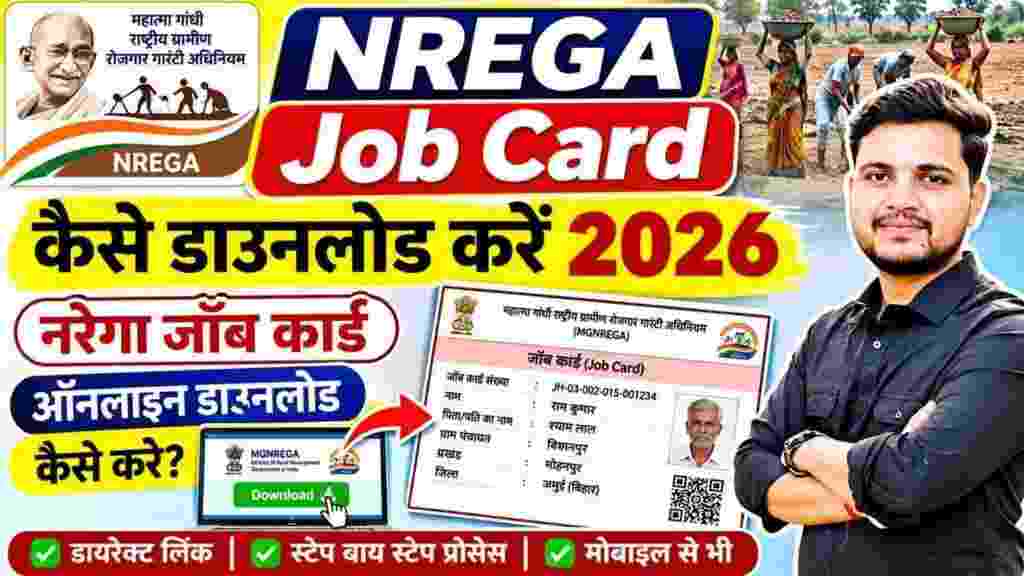
Mahatma Gandhi National Rural Employment Guarantee Scheme (MGNREGA) is the country’s largest public welfare scheme, providing legal protection of at least 100 days of guaranteed unskilled employment (Guaranteed Wage Employment) every financial year to families living in rural areas of India. NREGA Job Card is the most mandatory and basic document to get work under this scheme, to mark your attendance and to receive wages (DBT) directly in the bank account. In the year 2026, the Ministry of Rural Development has made the entire MNREGA system more transparent and digital, under which now the beneficiary of any state of the country including Uttar Pradesh, Bihar, Madhya Pradesh, Rajasthan, Chhattisgarh, Jharkhand and Uttarakhand can check and download his NREGA Job Card 2026 (NREGA Job Card PDF) online from his mobile phone or computer sitting at home. For this now there is no need to visit the village head, employment servant or block office.
The process of getting your job card from the official portal of the Union Ministry of Rural Development is very simple and free. First of all, go to the official website of MNREGA nrega.nic.in or state wise portal nregarep2.nic.in in the browser of your mobile or computer. When the homepage opens, scroll down and go to ‘Quick Access’ or ‘Reports’ section and click on ‘Panchayats GP/PS/ZP Login’ or directly on ‘State Reports’ option. On the next page, the list of all the states and union territories of the country will open, from which click on the name of your state (like Uttar Pradesh, Bihar, Madhya Pradesh or Rajasthan). After selecting the state, a new dashboard will open, where you will have to select the financial year (Financial Year 2026-27), your district, your block or panchayat samiti (Block) and your gram panchayat (Gram Panchayat) on the left side and press on the ‘Proceed’ button. As soon as you select Gram Panchayat, the page of Gram Panchayat Reports will open in front of you, in which R1. Click on the ‘Job Card / Employment Register’ link given at the fourth or fifth number under the Job Card / Registration section.
As soon as you click on the ‘Job Card / Employment Register’ link, the list of registered job card holders of your entire Gram Panchayat will open on your mobile screen. In this list, the job card number of each family is recorded in blue color on the left side and the name of the head of the family is recorded on the right side. You can easily find your entry by scrolling the list or by entering your name or job card number in the ‘Find in Page’ option of the browser. As soon as you click on your blue colored job card number, your complete digital NREGA job card will open on your screen. This digital card contains the photo of the head of the family, address, date of registration, names of all adult members of the family, bank account details and complete details of work done and wages received in the previous years and the current year 2026-27. You can save it in your phone as PDF by clicking on the print option given above or below or on the share/print button of the browser and can get a colored printout of it from any nearest Jan Seva Kendra (CSC).
Apart from the website, Government of India has also provided the facility to download job card through mobile app for the convenience of rural citizens. Download UMANG App from Google Play Store on your smartphone, login with your mobile number and type ‘MGNREGA’ in the search bar. Here you will see direct options like ‘Download Job Card’, ‘Track Job Card Status’ and ‘Apply for Job Card’. By clicking on ‘Download Job Card’ and entering your state, district, block, panchayat and job card number, your card will be downloaded immediately. Along with this, through the citizen-centric ‘Janmanrega App’, you can also see the ongoing development works in your village, Muster Roll attendance and wage payment status live.
According to the latest government guidelines of the year 2026, wages under MNREGA are paid only through Aadhaar-Based Payment System (ABPS). So if your job card is active, it is very important to ensure that the Aadhar cards of all working members of your family are seeded with the job card and NPCI DBT Mapper is active in their bank account. If any member of your family has turned 18 years of age and you want to get his/her name added to the old job card or get a new job card made, then you can register for free through the Gram Rozgar Sevak (GRS) of your Gram Panchayat, Panchayat Assistant or the nearest Common Service Center (CSC) by submitting Aadhar Card, Residence Certificate, Bank Passbook and passport size photo.