 look news india

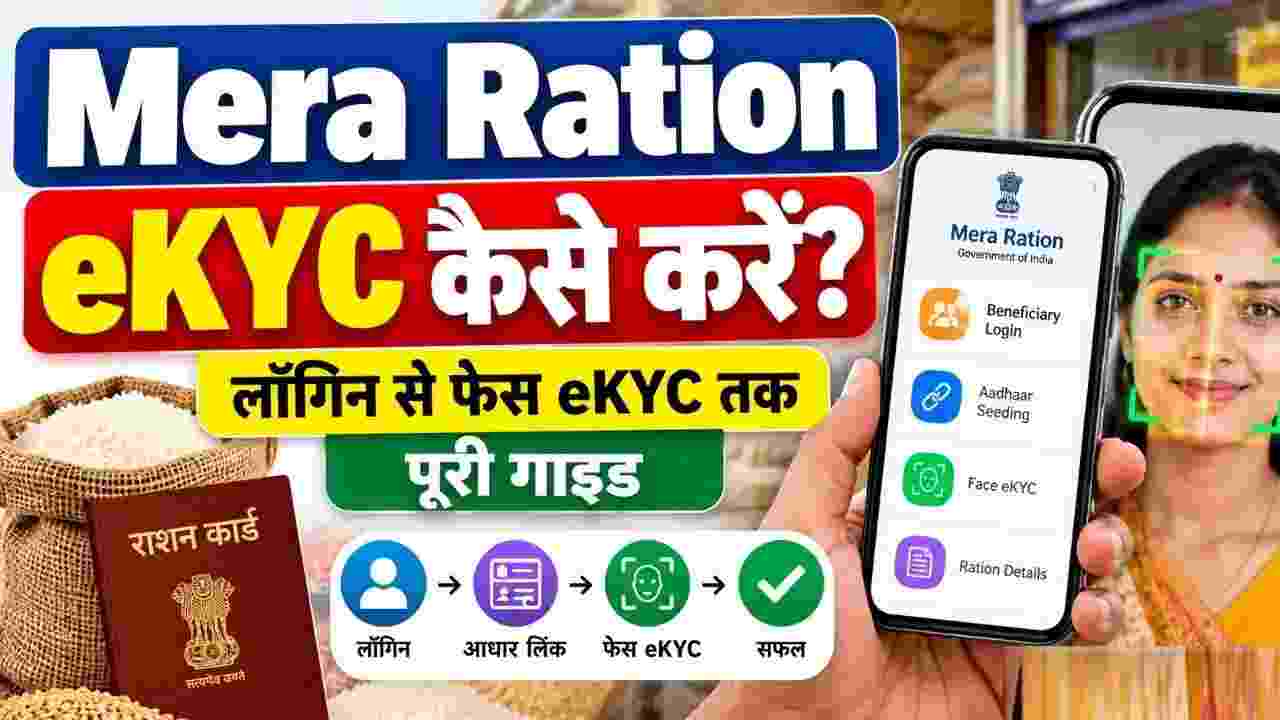
Getting e-KYC of ration cards done has been made mandatory for crores of families availing free and subsidized ration under the Public Distribution System (PDS). In most of the states of the country including Uttar Pradesh, Bihar, Madhya Pradesh, Rajasthan and Delhi, the Food and Logistics Department has instructed all the beneficiaries to complete the Aadhaar verification of every member recorded in their ration card. If e-KYC of any family member is not completed in time, then in future that member’s name may be removed from the ration card or there may be a hindrance in getting the monthly ration. Whereas earlier people had to stand in long queues at government ration shops to get e-KYC done, now the National Informatics Center (NIC) and the Department of Food and Public Distribution (DFPD) of the Government of India have made this process completely digital and easy. Now eligible beneficiaries can complete their e-KYC by doing Face Authentication sitting at home with the help of their smartphone and can also check the status online.
Often, ration card holders get confused about the two government apps while doing e-KYC from mobile, because there are two different official applications named ‘Mera Ration 2.0’ and ‘Mera eKYC’ on Google Play Store. Both these apps have been developed by the National Informatics Center (NIC) of the Government of India, but the scope and usage of both is completely different. ‘Mera eKYC App’ is specially designed to perform Aadhaar based Face Authentication (Face e-KYC) only. Through this app, beneficiaries verify their identity by scanning their face with the front camera of their mobile. To run this app, it is mandatory to have UIDAI’s sister app ‘Aadhaar Face RD’ installed in the phone. On the other hand, ‘Mera Ration 2.0 App’ is a complete digital ration card management platform. It is used to download digital ration card, add or remove new family members, get information about the nearest ration shop (Fair Price Shop), view the record of ration distribution and check e-KYC status of all the family members. Mera Ration 2.0 app can be logged in through Aadhaar number and OTP of any one member of the family and does not require any additional face scan app.
If your active mobile number is linked with your Aadhar card and online face e-KYC service has been started in your state, then you can do e-KYC from your Android smartphone without going anywhere. For this, first of all go to Google Play Store and download and install two official apps – ‘Mera eKYC’ and ‘AadhaarFaceRD’ (released by UIDAI) on your phone. It is important to note here that AadhaarFaceRD is a background service app, so after installed its icon will not appear on the home screen of your phone, but it will help in scanning the face through the camera. After both the apps are installed, open the ‘Mera eKYC’ app and provide the location and camera permissions asked on the screen. After this select your respective state (like Uttar Pradesh or other states) from the state list. Now enter the 12 digit Aadhaar number of the member for whom e-KYC is to be done and click on the ‘Generate OTP’ button. Submit by entering the six digit OTP received on the mobile number linked to Aadhaar and the captcha code shown on the screen. Once the OTP is verified, the beneficiary name, ration card number and other details will open on the screen. After checking the details tap on ‘Face e-KYC’ option given below. Immediately after this the front camera of your phone will be activated. Position the face in the center of the camera’s circular frame, ensure adequate lighting, and blink your eyes as directed. As soon as the frame turns green and the scan is complete, the message of successful completion of e-KYC will appear on the screen. Repeat the same process for all the other family members one by one.
After completing the face e-KYC process, it is very important to check whether your status has been updated on the government portal or not. For this you can use ‘Mera Ration 2.0’ app. First of all, download and open the Mera Ration 2.0 app from Google Play Store or Apple App Store. Select the option of ‘Beneficiary Login’ on the home screen. Here enter the 12 digit Aadhaar number of any family member and the captcha code given on the screen and click on ‘Login with OTP’. Verify by filling the OTP received on the registered mobile number, after which the main dashboard of the app will open. On the dashboard you will see the option of ‘Manage Family Details’ or ‘e-KYC Status’, clicking on which will reveal the list of all the members registered in your ration card. In this list, the e-KYC status is clearly visible against the name of each member as ‘Yes’ or ‘Done’ (complete) or ‘No’ or ‘Pending’ (outstanding). According to experts, after doing face e-KYC through mobile app, it may take 24 to 48 hours for the data to be synced on the server of the National Food Security Portal and the status to be updated, so there is no need to panic if the status is pending immediately.
Many times, face e-KYC through mobile app is not successful due to technical reasons, excessive pressure on the server, mobile number not being linked to Aadhaar card or facial structure of small children below 5 years of age and very elderly persons not being clear. Apart from this, mobile face authentication facility is still being implemented in a phased manner in some states. In any such situation, ration card holders do not need to worry. You can go to your nearest government fair price shop i.e. ration dealer along with your family members whose e-KYC is pending. The facility of e-KYC is available completely free of cost through fingerprint or iris scanner through the e-POS biometric machine present at the ration dealer. Once the biometric verification is done by entering the Aadhaar number on the dealer’s machine, e-KYC is completed immediately and your ration card remains active without any hassle.