 look news india

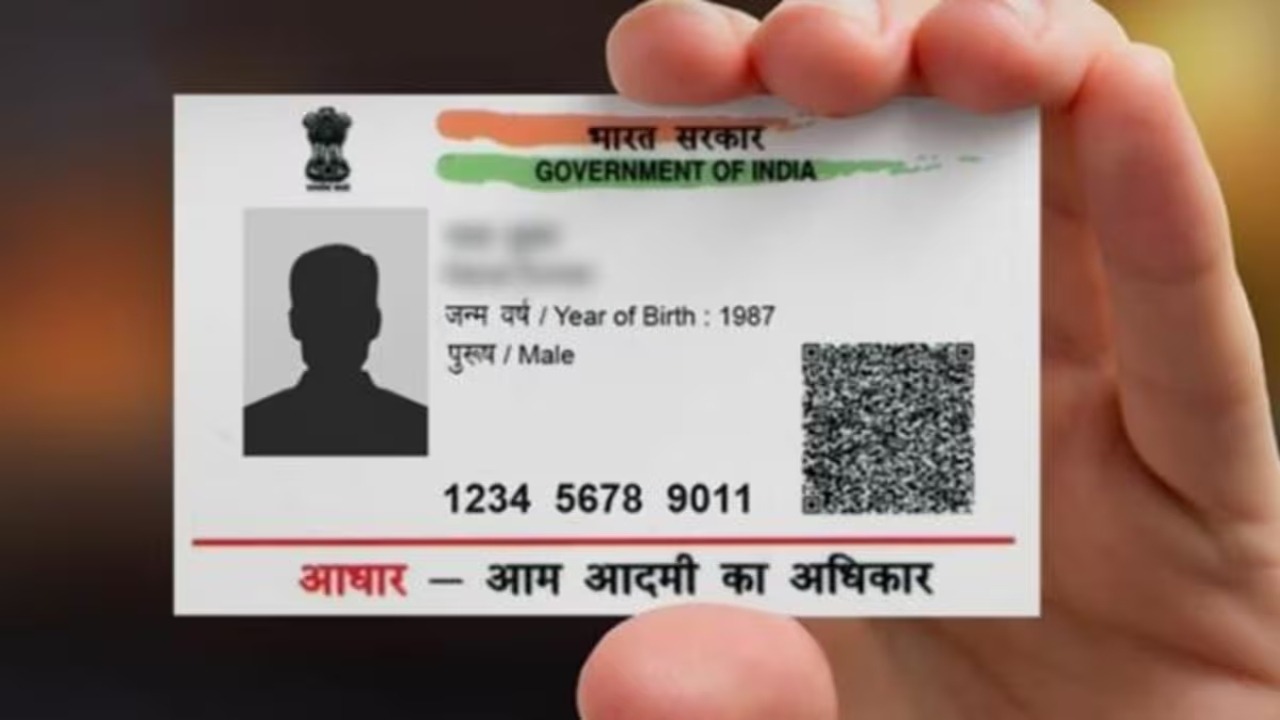
Imagine, you have some very important work, like opening a bank account or getting a new SIM, and you come to know that your Aadhar card is not available! Or perhaps you cannot remember your long 12-digit Aadhaar number.
If this happens to you too, there is no need to panic. Now you do not need to visit any office. UIDAI (Aadhaar making government body) has now made it so easy to get back your lost Aadhaar number that you can do it in a jiffy sitting at home.
Why is Aadhaar so important?
In today’s time, Aadhaar card is not just an identity card but has become your ‘digital identity’. It is needed everywhere, from government schemes to paying taxes. Without this, many of your important tasks may get stuck.
So, let us know about those 4 easy ways by which you can get back your lost Aadhaar number.
Method 1: Just rotate one call! (the easiest)
UIDAI has launched a toll-free helpline number 1947, which is operational 24 hours a day, seven days a week.
- How to do:
- From the mobile number registered in your Aadhaar 1947 Call at.
- Select your language in IVR and ‘to speak to the agent’ Select the option.
- The agent will ask a few simple questions to confirm your identity, such as your name, date of birth and postcode.
- Once the verification is complete, it will tell you your Aadhaar number.
Second method: From online website (if there is internet)
If you have internet access, you can also get your Aadhaar number from the UIDAI website.
- How to do:
- on google UIDAI Open the website of.
- By going to ‘My Aadhaar’ section ‘Retrieve Lost or Forgotten UID/EID’ Click on.
- Enter your name and registered mobile number or email ID there.
- By filling captcha code ‘Send OTP’ Click on.
- Enter the OTP received on your phone.
- Once verified, your Aadhaar number will be sent to your mobile via SMS.
Third method: By sending an SMS (without internet)
If you don’t have a smartphone or internet, no problem. You can also know your Aadhaar number by just sending an SMS.
- How to do:
- Go to your phone’s message box.
- To know Aadhaar number GETUID (Your Aadhaar Number) Or to know enrollment ID GETEID (Your Enrollment ID) Write. (For current rules, see the correct format on the UIDAI site)
- this message 1947 Send it to.
- Within some time you will get your number through SMS. (Note: The exact format may change from time to time, so please check the UIDAI website once).
Fourth method: From mAadhaar app
If you already use UIDAI’s mAadhaar app, this method is the fastest for you.
- How to do:
- Open the app and log in.
- Select the option of ‘Retrieve UID/EID’.
- Verify by entering the OTP, and your number will be visible on the app itself.
