 look news india

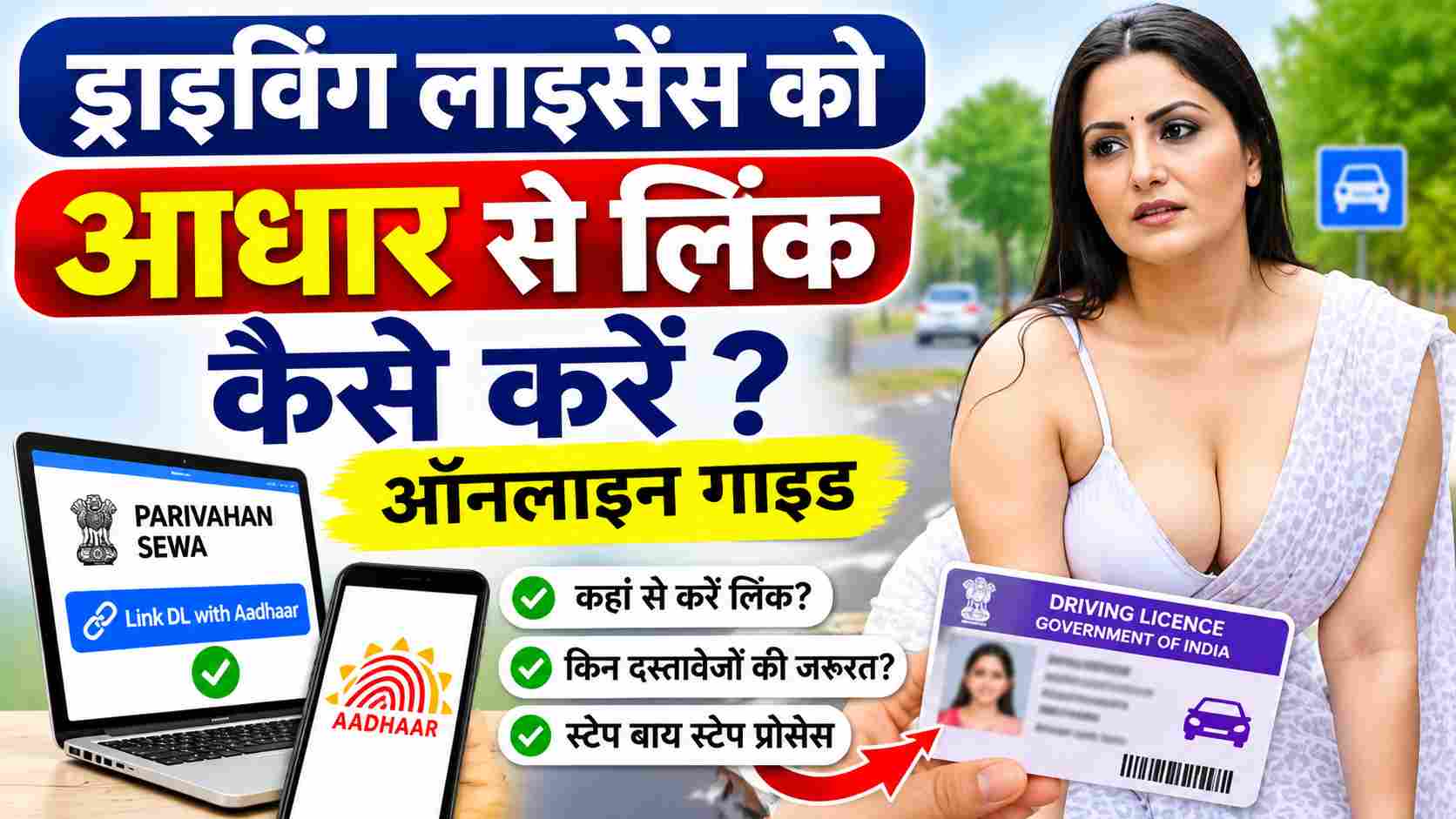
To completely curb fake and duplicate driving licenses across the country and to make transport services completely faceless and digital, the Ministry of Road Transport and Highways (MoRTH) has provided the facility to link driving license with Aadhaar card. If you want to renew your driving license, change address, or apply for a duplicate license in the year 2026 without visiting the Regional Transport Office (RTO) sitting at home, then it is very important for your DL to be linked to Aadhaar (Aadhaar Authenticated). This entire process can be completed completely free of cost and in just a few minutes through the official Sarathi portal of the Transport Department (sarathi.parivahan.gov.in). In the detailed guide given below, we are telling you the complete method of linking driving license with Aadhaar, the necessary conditions and its main benefits.
Before starting the online process, make sure that you have the following documents and details ready, so that no technical errors occur during the application:
| Required details/documents | Essential Conditions and Utility (DL-Aadhaar Linking 2026) |
|---|---|
| driving license number | Your valid driver’s license number (in correct format including state code and year) and date of issue. |
| aadhaar card details | Valid 12 digit Aadhaar number or Virtual ID (VID). |
| mobile number linked to aadhaar | It is mandatory to have an active mobile number linked with your Aadhaar card, as OTP is sent to the same number for verification. |
| Name and date of birth matching | The name and date of birth of the applicant recorded in the driving license and Aadhar card should match. |
| official website | Sarathi portal of the Ministry of Road Transport (sarathi.parivahan.gov.in). |
You can link your driving license with Aadhaar card by following the easy steps given below from the web browser of your mobile phone or computer:
-
Open the official Sarathi portal: First of all go to the official website of the Ministry of Road Transport and Highways, sarathi.parivahan.gov.in.
-
Select your state: Select the state (like Uttar Pradesh, Bihar, Delhi, Rajasthan, Maharashtra etc.) from where your driving license is issued from the drop-down menu visible on the homepage.
-
Click on ‘Apply Online’ or ‘Aadhaar Authentication’: After opening the state dashboard, in the main menu ‘Apply Online’ Go to Options and from the drop-down list ‘Services on Driving License (Renewal/Duplicate/AEDL/Others)’ Click on. (Directly on the portals of many states ‘Update Mobile Number / Aadhaar Authentication’ The ‘s’ tab also appears.)
-
Read instructions and enter details: On the instructions page that opens on the screen ‘Continue’ Click on. After this your Driving License Number (DL Number) And Date of Birth enter and ‘Get DL Details’ Press the button.
-
Verify your information: Your license information—such as your name, father’s name, address and the issuing RTO—will appear on the screen. After confirming the information select the respective state and RTO and ‘Proceed’ Click on.
-
Verify with Aadhaar number and OTP: In the next step you will get the option of Aadhaar Authentication. Here ‘Submit via Aadhaar Authentication’ Choose your 12 digit aadhaar number Or enter Virtual ID and tick the Consent checkbox. ‘Generate OTP’ Click on.
-
Complete the process: Enter the 6 digit OTP received on your Aadhaar registered mobile number and ‘Authenticate/Submit’ Click on the button. Once the verification is successful, a confirmation message will appear on the screen and your driving license will be successfully linked to the Aadhaar card.
Many times, the spelling of the applicant’s name or date of birth in the old driving license is slightly different from that in the Aadhaar card, due to which the online Aadhaar authentication fails. There is no need to panic in such a situation. You are on Sarathi portal only. ‘Change of Name / Correction in DL’ By selecting the service you can apply online for name or date of birth correction in your driving license as per Aadhaar. If your mobile number is not already updated in the driving license, your new mobile number is also automatically added to the license record through Aadhaar OTP verification.
After linking the driving license with Aadhaar, many important facilities are available to the drivers and common citizens. The biggest benefit is that after this, most of the services like license renewal (DL Renewal), issuance of duplicate license, change of address and International Driving Permit (IDP) are completely free. ‘Faceless’ (contactless) This means you do not need to go to the RTO office. Additionally, this system eliminates the trend of the same person obtaining multiple fake licenses from different states. In case of a road accident or emergency, it becomes very easy for the traffic police and administration to identify the driver and also contact his family. Also, your digital driving license is always validly available in DigiLocker and mParivahan apps, thereby eliminating the fear of being issued a challan if the document is not with you.