 look news india

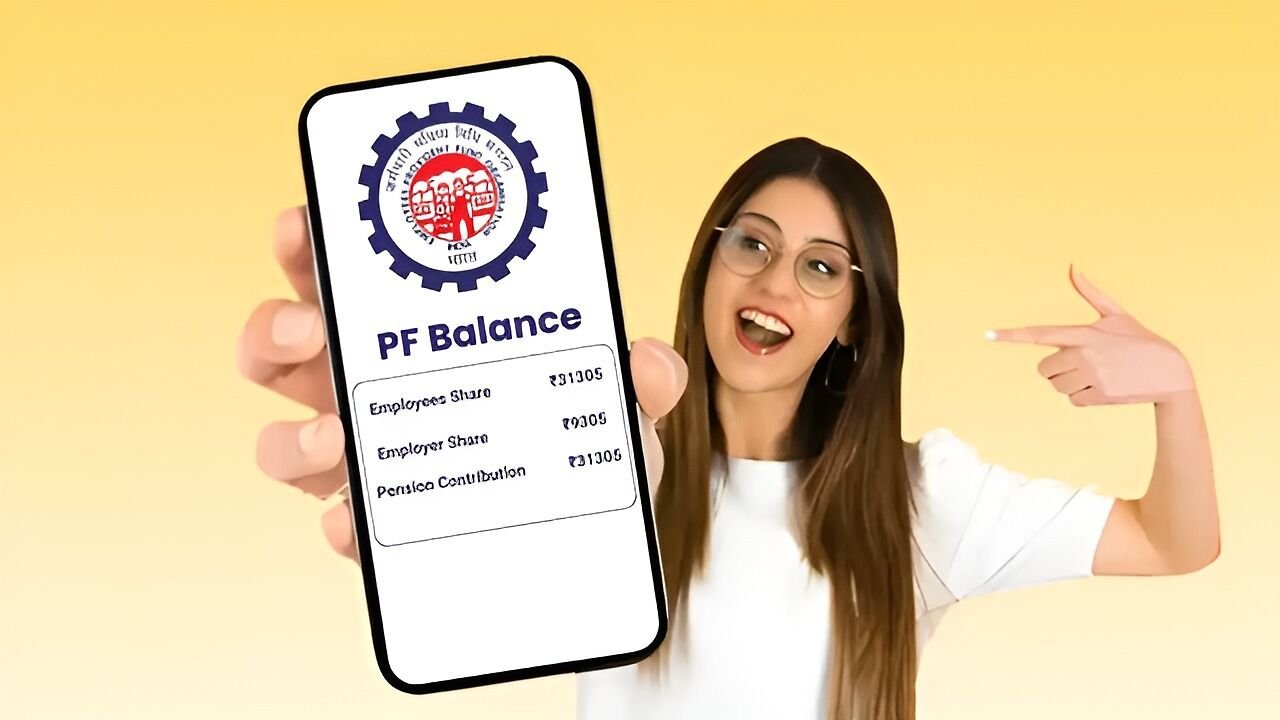
New Delhi: For crores of employed employees of the country, the Employees’ Provident Fund Organization (EPFO) has made its digital services so simple that now they neither have to visit offices to get information about PF account nor have to worry about forgetting the password again and again. Often employees need to check whether their company has deposited the PF contribution every month or not, or how much total interest and funds have been deposited in their account. Now you can check your EPF balance in a few seconds sitting at home through the popular messaging app WhatsApp on your smartphone and can also download your digital PF passbook.
Actually, EPFO has integrated the official ‘MyGov Helpdesk’ and ‘UMANG’ platforms of the Government of India to make its services available directly on WhatsApp. Apart from this, many major banks and regional EPFO offices of the country have also released their helpline numbers. However, the safest, official and quickest way is to use the Government of India’s ‘MyGov Helpdesk’ WhatsApp chatbot, which is linked to the services of DigiLocker and UMANG. The only mandatory condition to avail this facility is that your Universal Account Number (UAN) should be active and your mobile number should be linked to your Aadhaar and bank account.
Follow the easy steps given below to view your PF account details through WhatsApp:
First of all, add the WhatsApp number of the official MyGov Helpdesk of the Government of India in the contact list of your smartphone. +91-9013151515 Save.
Now open your WhatsApp and go to the chat of this saved number and send ‘Hi’ or ‘Namaste’.
Within a few seconds you will get an automated welcome message, showing a list of various government services. Here you have to select the option of ‘DigiLocker Services’ or ‘EPFO Services’.
If you are using this service for the first time, the system will ask you if your DigiLocker account has been created. After clicking on ‘Yes’ you will be asked to enter your 12 digit Aadhaar number.
As soon as you enter the Aadhaar number, an OTP will come on your registered mobile number. Complete the verification by entering that OTP in the chat.
As soon as the verification is successful, a list of documents related to DigiLocker will appear on the screen, in which the option of ‘EPFO’ or ‘UMANG’ will appear.
As soon as you click on the EPFO option, you can choose ‘View Passbook’ or ‘Check EPF Balance’. As soon as you enter your UAN number, your latest PF passbook will be downloaded on WhatsApp chat in PDF format, which will contain complete details of employer and employee’s contribution and interest.
If for some reason you do not have internet available or you are using a simple keypad phone, you can still know your PF balance through a missed call or SMS. For missed calls from your UAN registered mobile number 9966044425 Call on; After two rings the call will be disconnected automatically and immediately a message of PF balance will come on your phone. At the same time, to get information through SMS from your registered number. 7738299899 Send it by writing EPFOHO UAN HIN (for information in Hindi), immediately after which the entire account balance will appear on your mobile screen.
Cyber security experts and EPFO have cautioned all members not to share their personal information on any unknown link or suspicious WhatsApp number in the name of PF balance or KYC update. EPFO never asks for your password, PIN or bank details through phone call or message. For resolution of any technical issue or complaint, members can directly contact EPFO’s toll-free helpline number. 14470 Or use the official portal epfindia.gov.in only.