 look news india

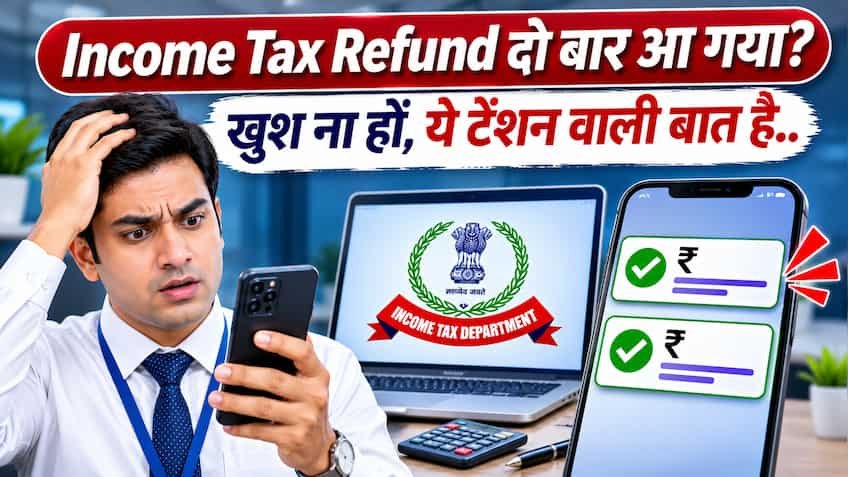
After filing Income Tax Return (ITR), when the message of Income Tax Refund comes in the bank account, then every taxpayer feels happy. But just imagine, what would be your reaction if the refund amount is credited to your bank account twice for the same assessment year? Often people mistake it for a technical glitch or a ‘bonus’ and become happy and start planning to spend that extra money. Tax and financial experts have issued a strict warning to such taxpayers that getting refund in the account twice is not a matter of happiness but a matter of great tension. The Centralized Processing Center (CPC) of the Income Tax Department works on a very modern and automated system, which detects such duplicate payments very soon and can then lead to legal and financial difficulties for the taxpayer.
According to tax experts, there can be many technical and procedural reasons behind the Income Tax Department issuing refund to a taxpayer twice. Many times, a revised return is filed after the taxpayer has filed the original ITR, and separate refunds are generated on both the returns during processing in the system. Apart from this, such a situation can also arise due to technical glitch in the bank server, re-processing of NEFT or RTGS transaction or simultaneous processing of intimation under Section 143(1) of the Income Tax Department and Rectification Order under Section 154. Whether it is the fault of the bank or the software of the Income Tax Department, in the eyes of law the taxpayer has no right on the additional refund amount and it is completely considered to be the money of the government treasury.
If an additional refund has been credited to a taxpayer’s account by mistake and he remains silent thinking that the department will not come to know, then this can prove to be the biggest mistake. When this error is matched in the audit and reconciliation system of the Income Tax Department, the department immediately issues a demand notice to the taxpayer. Under Section 234D of the Income Tax Act, if the taxpayer has received a refund in excess of the amount due, then simple interest at the rate of 0.5 percent i.e. 6 percent per annum is charged on that excess amount from the date of issue of refund till the date of deposit back. Not only this, for not responding to the notice within the stipulated time and not returning the money, 1 percent monthly interest and heavy penalty can also be imposed under Section 220(2), and future refunds are also stopped.
If two entries of income tax refund are visible in your bank statement, then it is very important to take the right step first without panicking and without touching that money. First of all check your bank account transaction details closely and ensure that both the credits have actually come from the Income Tax Department (SBI CMP or RBI) for the same assessment year. After this, login to the Income Tax e-filing portal (incometax.gov.in) and go to ‘View Filed Returns’ and ‘Refund/Demand Status’ sections and check your intimation order. If only one refund is showing approved on the portal and money has come into the account twice, keep that extra amount safely set aside in your account and do not spend it at all. Along with this, you can go to the ‘Grievance’ section of the e-filing portal and select the ‘CPC-ITR’ category and inform the department about this duplicate credit, so that your honesty will be recorded in the record and you will be able to avoid possible penalties.
If the Income Tax Department has sent you a notice to refund the excess refund or you wish to return the amount yourself, the online process is very easy. For this, first of all login to the Income Tax e-filing portal and go to the ‘e-File’ tab given above and click on the ‘e-Pay Tax’ option. Here select ‘New Payment’ and after selecting the Assessment Year, in ‘Type of Payment’ select ‘Self-Assessment Tax (300)’ or the code given in the notice (Demand Payment). After this enter the exact amount of additional refund and complete the payment through net banking, debit card or UPI. After successful payment, download and save the receipt of the challan (Challan 280) received and submit the details of this challan by going to ‘Response to Outstanding Demand’ under ‘Pending Actions’, so that your tax record is completely cleared.