 look news india

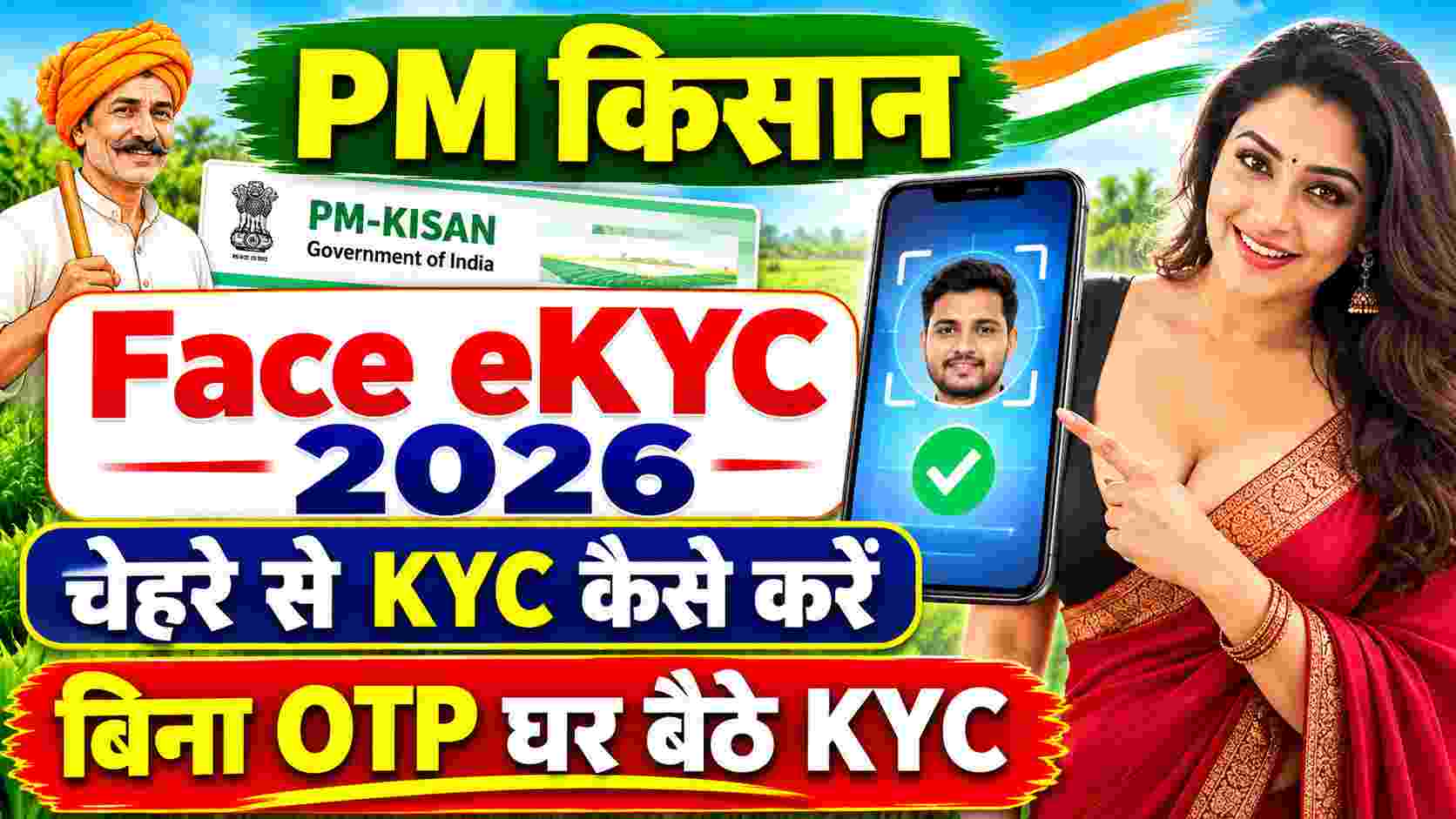
New Delhi/Lucknow: Under the Pradhan Mantri Kisan Samman Nidhi Yojana (PM-KISAN), financial assistance of Rs 6,000 is sent directly to the bank account of crores of eligible farmers of the country every year in three equal installments (Rs 2,000 per installment). To maintain transparency in this scheme and to deliver money to the actual beneficiaries, the Central Government has made it mandatory for all registered farmers to do e-KYC. Earlier, farmers had only two options to get e-KYC done – either do online verification through OTP received on the mobile number linked to Aadhaar or go to the Public Service Center (CSC) and put their thumb on the biometric machine. But in rural areas, due to worn out lines on the hands of thousands of elderly farmers, fingerprint matching could not be done and due to the mobile number of many farmers not being linked to Aadhaar, OTP could not be received. To eliminate this big problem of farmers, the Ministry of Agriculture and Farmers Welfare and UIDAI have started the modern facility of ‘Face Authentication’, through which farmers can complete their e-KYC sitting at home by scanning their face with the camera of their smartphone without any OTP or fingerprint.
You do not need to go to any cyber café or CSC center to do PM Kisan e-KYC through your face sitting at home. For this, you should have a normal Android Smartphone, whose front camera works properly and it has an active internet connection. Along with this, you should have your Aadhar number or PM Kisan registration number. Most importantly, you have to download two official government applications from Google Play Store of your mobile—first is ‘PMKISAN GoI’ app and second is ‘Aadhaar Face RD’ app. Keep in mind that ‘Aadhaar Face RD’ is a background support app, hence after being installed in the phone, its icon will not be visible when opened separately, rather it works by directly connecting with the PM Kisan app to scan the face.
The process of doing face e-KYC from mobile is very simple and completely free. First of all, install both ‘PMKISAN GoI’ and ‘Aadhaar Face RD’ apps from Google Play Store in your Android phone. After installation open the ‘PMKISAN GoI’ app and proceed by selecting the language. On the home screen you will see the option of ‘Login’, after clicking on which select the option ‘Beneficiary’. Enter your Aadhar number or PM Kisan registration number here. After this, the option of ‘Facial e-KYC Login’ or ‘Scan Face’ will appear at the bottom of the screen, tap on it and give consent to use the camera.
Now the front camera of your phone will automatically turn on and a circular frame will appear on the screen. The farmer will have to keep his face fixed exactly in the middle of this circle and blink his eyes once or twice as per the instructions given on the screen. As soon as the matching of your face with the UIDAI server is successful, the color of the circle will change from red to green and the message of successful completion of e-KYC will appear on the screen. The special thing is that once you log in to the app and set the 6 digit MPIN, you can use the ‘e-KYC for Other Beneficiary’ option to do face e-KYC of other members of your family or other farmers of the village without OTP at home.
It is often seen that face authentication fails due to low light or wrong holding of the phone. To avoid this, while scanning the face, sit at a place where sufficient natural light (daylight or bright bulb) is falling on your face. Keep in mind that there should not be strong sunlight or light coming from behind you, otherwise the camera will not be able to recognize it correctly due to the shadow falling on the face. When scanning, remove glasses, hat or muffler and hold the phone steady at eye level, about an arm’s length away.
Your status gets updated in official records approximately 24 hours after completing e-KYC through face authentication. Farmers from Lucknow, Kanpur, Varanasi, Prayagraj, Gorakhpur and rural areas of Uttar Pradesh can visit the official website pmkisan.gov.in to check whether their KYC has been accepted or not. Click on ‘Know Your Status’ option under ‘Farmers Corner’ on the home page. Here enter your registration number and captcha code and click on ‘Get OTP’ or view details. In the ‘Eligibility Status’ section on the dashboard that opens, if ‘Yes’ is written in green color against ‘e-KYC Status’, it means that your KYC has been completed and the money for the upcoming installment will reach your bank account without any interruption. To avoid any kind of fraud, do not download any unknown APK link coming on WhatsApp and use only the official app of Google Play Store.