 look news india

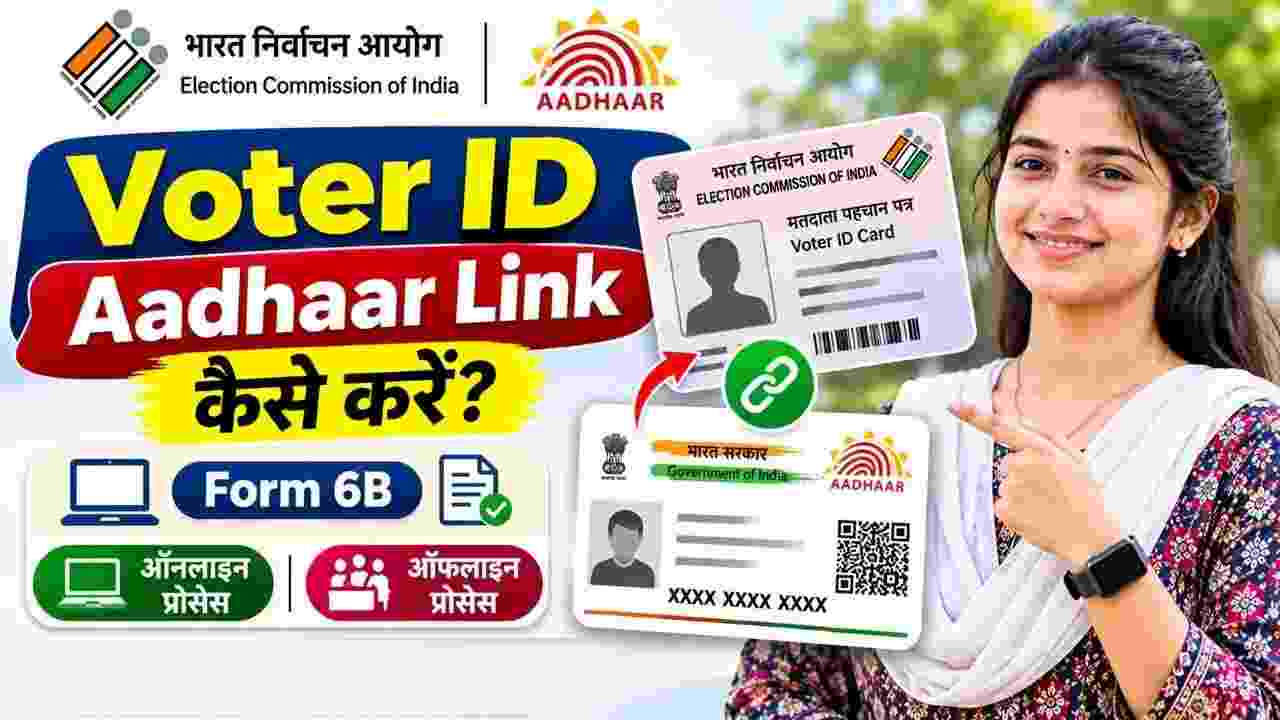
The facility to link Voter ID (EPIC) with Aadhaar has been provided by the Election Commission of India (ECI) with the aim of making the voter list error-free, transparent and free from fake entries. For this, the Commission has implemented a special form – Form 6B (Form 6B – Letter of Information of Aadhaar number for the purpose of electoral roll authentication) under the amendment in the Representation of the People Act, 1950.
It is important to note that as per the directions of the Supreme Court and the Election Commission, this linking is completely voluntary. If a citizen does not have an Aadhar card or does not want to share it, his name cannot be struck off from the voter list on this basis alone. However, the Commission encourages voters to link it to remove double registration of the same person or fake names.
If you want to apply via computer or mobile browser, the process is easiest and quickest:
-
First of all the official portal of Election Commission voters.eci.gov.in Go to.
-
If you are visiting the portal for the first time, at the top right ‘Sign-Up’ Click on Create account by entering your mobile number and OTP; Old users login directly.
-
After login, go to the Forms section given on the homepage and ‘Form 6B’ Select (Aadhaar Authentication).
-
Enter your state, assembly constituency and your voter card number (EPIC Number).
-
Your name, address and constituency details will appear on the screen; Verify it.
-
Now you will see two options:
-
Option A: “I have the Aadhaar number.” Select it and enter your prescribed identity card number.
-
Option B: If not Aadhaar, choose the second option and upload a scanned copy of any one of the given 11 alternative government documents (like PAN Card, Driving License, Passport, MNREGA Job Card, Bank Passbook etc.).
-
-
By entering your mobile number, email and place ‘Preview’ Click on the button.
-
Double check the details filled and ‘Submit’ Click on it.
-
one on the screen Reference Number (Reference Number) will be issued, keep it safe to track the status in future.
The Election Commission’s mobile app offers extremely convenient options for smartphone users:
-
From Google Play Store or Apple App Store ‘Voter Helpline’ download app.
-
Open the app and tick ‘I Agree’ and select your language.
-
Shown first on home screen ‘Voter Registration’ Tap the icon.
-
Below in the menu ‘Electoral Authentication Form (Form 6B)’ Click on.
-
Press ‘Let’s Start’ and enter your mobile number and verify with OTP.
-
‘Yes, I have Voter ID’ Select and select your EPIC number and state and click on ‘Fetch Details’.
-
Press ‘Proceed’ once your voter statement appears on the screen.
-
Enter your identity card details, mobile number and application location in the form.
-
seeing the preview ‘Confirm’ Tap on. You will receive the reference ID as soon as the application is submitted.
Citizens who are unable to apply through digital means can use the offline mode:
-
Take a printout of Form 6B from the Election Commission website or get the form from your local BLO (Booth Level Officer).
-
Fill your name, assembly constituency, part number, serial number and EPIC number correctly in the form.
-
Enter your identity number in the prescribed box or attach a self-attested photocopy of the alternative document if the identity card is not available.
-
Put your signature or thumb impression and enter the place and date.
-
Send the filled form to your locality. BLOsubmit it at the Voter Facilitation Center or the office of the Electoral Registration Officer (ERO).
-
After submitting the form, definitely take the Acknowledgment Receipt from the officer.
After submitting Form 6B online or offline you can check the progress of your application in a few seconds:
-
portal voters.eci.gov.in Go to.
-
In the services section ‘Track Application Status’ Click on Options.
-
received at the time of form submission Reference ID Enter and select your state.
-
‘Submit’ As soon as you click on it, the current status of the application (Submitted, Under Review, Verified or Accepted) will be displayed on the screen.
-
No Charge: Process to link Voter ID to Aadhaar or submit Form 6B completely free Is. No government fees of any kind is payable for this.
-
Privacy Protection: The identity details recorded by the Election Commission are not displayed in the public voter list. This data is kept in an encrypted and secure database for authentication purposes only.
-
Demographic Mismatch: If there is a slight difference in the spelling of the name in both the documents, the form may get rejected during authentication. In such a situation, first get the name corrected in the Voter ID by filling ‘Form 8’ and only then submit Form 6B.