 look news india

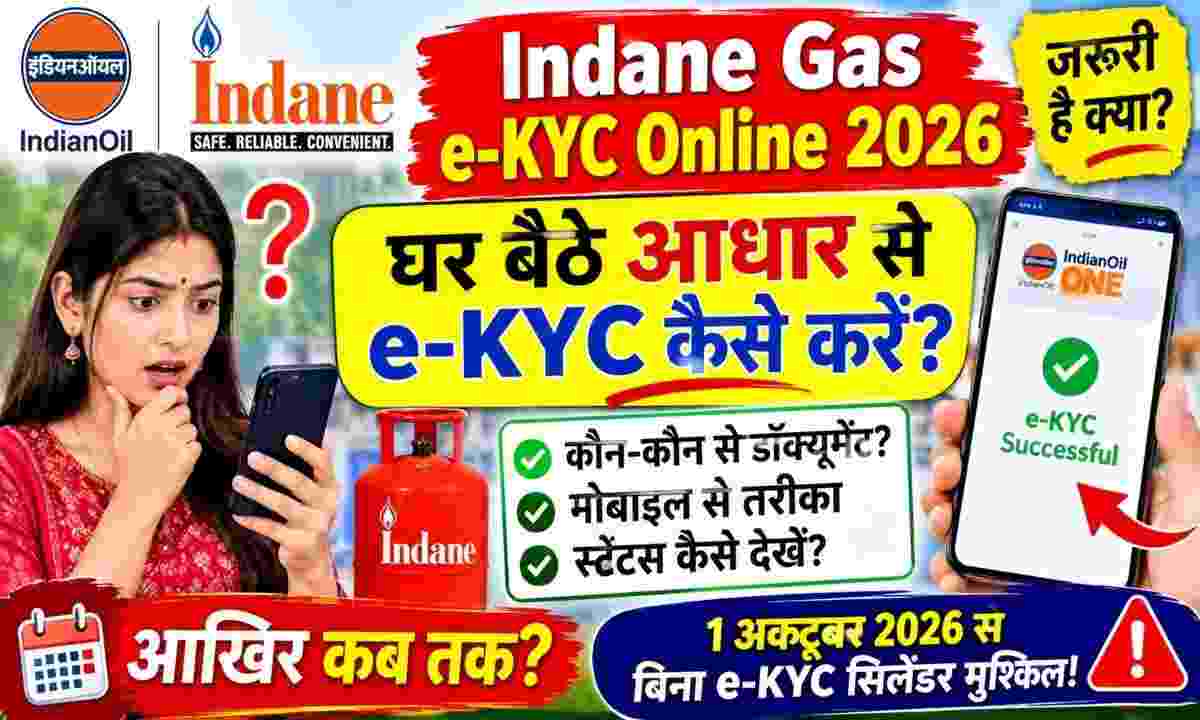
To ensure direct benefit transfer (DBT) subsidy on LPG gas cylinders and seamless cylinder booking, the Ministry of Petroleum and Natural Gas has made e-KYC mandatory for all gas consumers. If your connection is of ‘Indane’ gas of Indian Oil Corporation (IOCL) and you have not yet completed your biometric or Aadhaar based e-KYC, then your government subsidy may be stopped in the future and you may also face technical difficulties in gas refill booking. Instead of standing in long queues at the distributor office of the gas agency, Indane has provided the digital facility to consumers to complete e-KYC by doing face authentication from their smartphones while sitting at home.
There are several key objectives behind conducting LPG e-KYC by the government and oil marketing companies (OMCs):
-
Ban on fake and duplicate connections: Identifying and deactivating multiple unauthorized gas cylinders operating under the same address or name of a person.
-
Direct benefits of transparent subsidy: Pradhan Mantri Ujjwala Yojana (PMUY) and subsidy amount of general domestic consumers can be transferred directly to the bank account of the actual beneficiary without any intermediary.
-
Renewal of Consumer Identity: Digital verification of address, mobile number and living status of the subscriber in old connections.
To complete the online e-KYC process from home without any interruption, you must have the following facilities:
-
Yours smart fone (Having a good front camera and active internet connection).
-
consumer’s Aadhar card (Aadhaar Card).
-
Two official mobile applications downloaded from Google Play Store:
-
IndianOil ONE (Official Customer App of Indian Oil)
-
AadhaarFaceRD (Official Face Authentication App of Unique Identification Authority of India – UIDAI)
-
-
A room with adequate lighting so that the facial scan can be done clearly.
If you want to do the verification from your phone at home without going to the agency, follow these easy steps:
-
First of all go to Google Play Store and ‘AadhaarFaceRD’ Install the app (this is a background service app, it will not open as a separate icon).
-
after this ‘IndianOil ONE’ Download the app and open it.
-
If you are using the app for the first time, create a new account by clicking on ‘New User / Sign Up’ and entering the mobile number, name and email ID registered with your gas connection. If you already have an account, login by entering your mobile number and password.
-
After logging in, tap on the three lines (Menu Bar) visible on the top left side of the screen.
-
go to menu ‘LPG’ Click on Options and then ‘Domestic’ Select.
-
now you ‘Manage Connections’ Or ‘My Profile’ An option will appear, on tapping which your gas connection details (Consumer ID, Agency Name, Aadhaar Linking Status) will open.
-
If your e-KYC is pending, then in the profile ‘Aadhaar e-KYC’ Or the option of ‘Re-KYC’ will appear. Click on it.
-
Tick the terms and conditions (Consent Box) given on the screen and ‘Face Scan’ Tap the button.
-
Now your front camera will open. Place your face in the middle of the screen frame, keep a straight gaze and blink once as instructed by the system (Blink Eyes).
-
Once the face match is successful, your photograph and details will be verified from the Aadhaar database. after this ‘Submit’ Click on it.
-
on screen “e-KYC Request Submitted Successfully” message will come and your e-KYC will be sent to the concerned distributor for review.
Consumers who are unable to operate a smartphone or whose facial recognition fails due to technical reasons can also get e-KYC done offline by visiting their local gas agency:
-
with you Aadhar card, Blue Consumer Passbook (SV) of Gas Agency And bank passbook Take it with you.
-
Place your thumb on the biometric fingerprint scanner or iris scanner machine at the counter of the gas agency.
-
The distributor will instantly verify your biometric data through the Point of Sale (PoS) machine and ‘Verified’ the e-KYC on the spot. No fee is charged from the consumer for this.
You can confirm whether your e-KYC is complete or not through mylpg.in portal or app:
-
Official LPG Portal mylpg.in Go to.
-
Of the three gas cylinders given on the right ‘Indian’ Click on the cylinder.
-
Login to the newly opened Indian Oil portal with your 17 digit LPG Consumer ID or registered mobile.
-
on the dashboard ‘View Connection Details’ Go to.
-
Here next to ‘Aadhaar Authentication’ and ‘e-KYC Status’ if ‘Yes / Completed’ If it is written, then it means that your process has been completed and there will be no hindrance in getting the subsidy.