 look news india

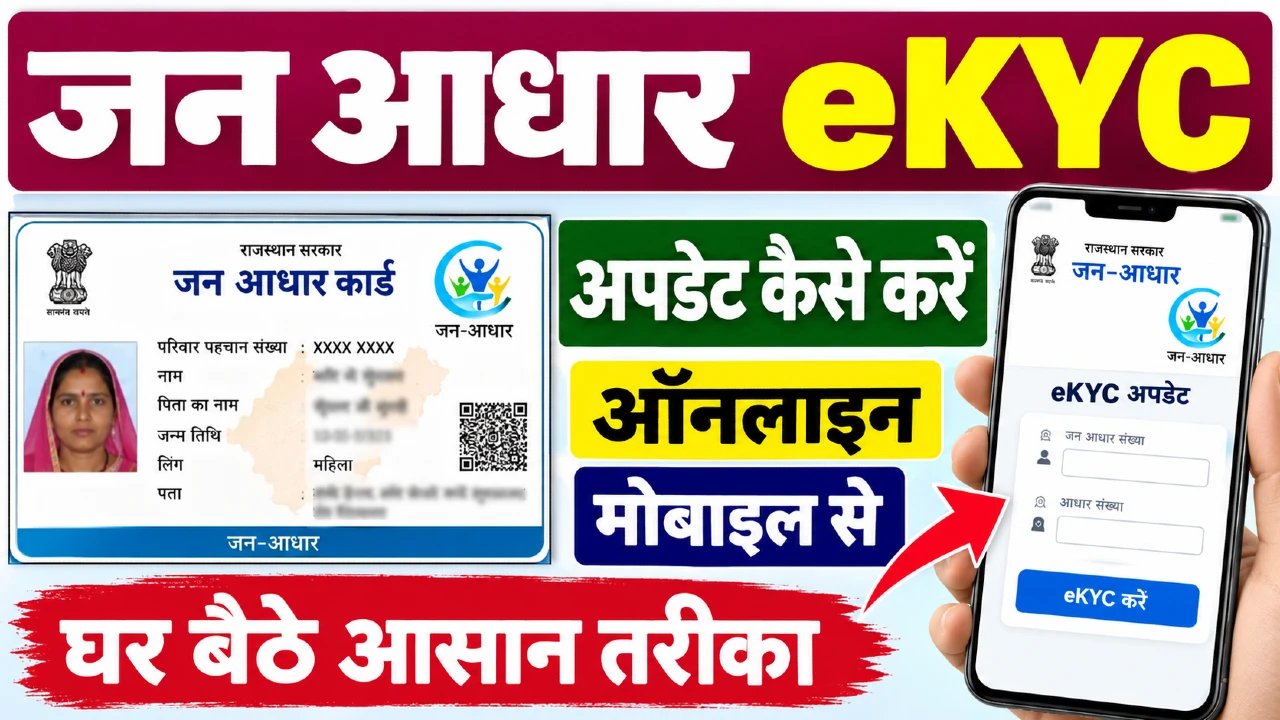
Jan Aadhar Card operated by the Government of Rajasthan is the main basis of all social security and public welfare schemes for the citizens of the state. The government has mandated the Jan Aadhar e-KYC process to verify the identity of all family members and maintain data transparency. If a family’s e-KYC remains incomplete, the benefits of ration distribution, scholarship, pension, free treatment and other government cash transfer schemes may stop. There is no need to go to e-Mitra center or stand in long queues for this important task; Citizens can complete this from home with the help of their smartphone and Rajasthan SSO ID.
Jan Aadhaar e-KYC is a digital authentication process, under which the name, date of birth, gender and photo of family members are matched with the central identity database. It is mandatory to get e-KYC done for the head of the family and every member above 5 years of age. For children below 5 years, verification is done through birth certificate. Once the e-KYC is completed, the name, date of birth and gender of the member is locked, eliminating the possibility of fraud. Any kind of amendment in Jan Aadhar Card, addition of a new member or division of the family is possible only when the e-KYC of the family is complete.
Before starting the process from mobile, ensure that the identity card of all the concerned family members is active and the mobile number linked to it is active. A one-time password (OTP) is sent to the registered mobile number for authentication. If a member does not have a mobile number linked in their identity card, they will have to visit the nearest e-Mitra center for biometric (fingerprint/iris) verification. Additionally, the family’s 10-digit Jan Aadhaar number or 22-digit Jan Aadhaar enrollment receipt number must be nearby.
-
Open the official website of Rajasthan Single Sign-On (sso.rajasthan.gov.in) in the web browser of your smartphone.
-
‘Login’ by entering your SSO ID (Digital Identity), password and the captcha code given on the screen. If your SSO ID is not created, then create a new ID from the ‘Registration’ option.
-
After login, go to the ‘Citizen Apps (G2C)’ section on the dashboard and click on the ‘Jan Aadhaar’ app icon.
-
When the Jan Aadhaar dashboard opens, select the ‘Enrolment’ tab and then click on the ‘Family e-KYC’ option from the sub-menu.
-
Enter your Jan Aadhaar number or receipt number on the screen and press the ‘Search’ button.
-
A verification OTP will come on the registered mobile number of the head of the family, enter it and accept the consent.
-
Now the list of all the family members will be displayed on the screen; Select the member whose e-KYC is pending and click on the ‘e-KYC’ button.
-
Verify by entering the OTP received on the member’s registered mobile. Once the verification is successful, the member’s information and photo will be automatically updated from the database. Similarly, complete the process for other family members.
After completing the e-KYC of all the family members, be sure to check the status on the portal. On the same Family e-KYC page, ‘e-KYC Completed’ should be displayed next to the names of all the members. Before doing e-KYC, check that the spelling of name, date of birth and gender are correct in the identity record of the family, because the same data is automatically updated in Jan Aadhaar as soon as e-KYC is done. Do not share any type of OTP with unknown persons. Within 24 to 48 hours of successful e-KYC, the data is completely synced on the Jan Aadhaar portal and you can download the new e-card.