 look news india

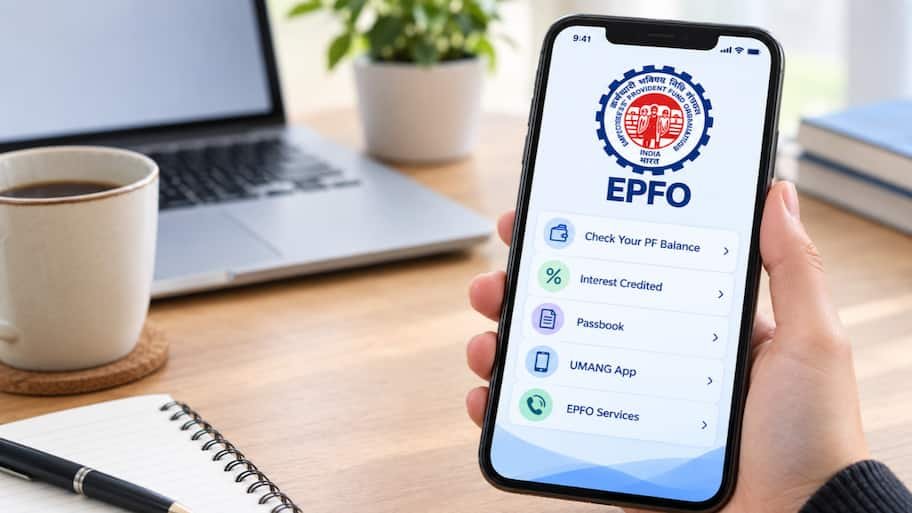
New Delhi. For crores of employed employees covered under the Employees Provident Fund Organization (EPFO), the annual interest deposited in their PF account is an important part of their future financial security. The process of crediting the interest amount to the subscribers’ accounts is started by EPFO in a phased manner after the government notification of the interest rate fixed for the financial year and the final approval of the Finance Ministry. However, it is often seen that the interest amount is visible in the passbooks of some employees, while in the passbooks of other colleagues it shows ‘zero’ or is not updated. If the interest amount is not visible in your account yet, there is no need to worry. EPFO has officially clarified many times that due to software updation and processing at the field office level, there may be a delay in entry, but the member does not lose even a single day’s interest.
Often the fear creeps in the minds of PF account holders that due to delay, they will suffer loss of interest. EPFO’s rules are very clear on this:
-
Backdated Interest Credit: Whenever EPFO credits interest in an account, it is considered to be applicable from the first date (April 1) of that financial year. Even if the entry in your passbook appears after 3 to 6 months, you get the full compound interest for the entire year.
-
Software and data migration process: There are more than 7 crore active members and hundreds of regional offices across the country. It takes technical time to calculate and enter crores of accounts simultaneously on all zonal servers.
-
Institution Default: If your employer (company) has not deposited the monthly contribution to EPFO on time, the interest calculation for that month may be affected. Therefore, it is necessary to keep checking the passbook at regular intervals.
This is the most authentic means of viewing your detailed passbook through computer or mobile browser:
-
First of all EPFO’s integrated member passbook portal (passbook.epfindia.gov.in) go to.
-
Login by entering your 12 digit Universal Account Number (UAN), password and captcha code shown on the screen.
-
After login select your current or previous company member ID in ‘Select Member ID’ option.
-
Now click on ‘View Passbook (New)’.
-
The total amount of interest and closing balance recorded under ‘Interest Credited for the Financial Year’ will be visible in the last column of the passbook.
Government ‘UMANG App’ is the fastest and convenient option for employees using smartphones:
-
From Google Play Store or Apple App Store in your phone UMANG App Download and login.
-
Type ‘EPFO’ in the search bar of the app and go to the services displayed.
-
Select ‘View Passbook’ option.
-
Enter your UAN and click on ‘Get OTP’.
-
Enter the 6 digit OTP received on the registered mobile number linked to your UAN and submit.
-
As soon as you click on the ID of the concerned institution, your monthly deduction and interest details of the financial year will open on the screen.
If you do not have internet access or want to know the summary balance immediately, use EPFO’s SMS service:
-
Go to the message box of your UAN registered mobile number.
-
Type: EPFOHO UAN HIN (if you want information in Hindi) or EPFOHO UAN ENG (for English).
-
this message 7738299899 Send it to.
-
Within a few moments, a return SMS will come from EPFO, in which the total balance of your account and the status of last contribution and interest will be recorded.
This is completely free and the easiest way:
-
From your registered mobile number 9966044425 Give a missed call.
-
The call will automatically disconnect after two rings.
-
Immediately after this, a message will come on your phone from EPFO containing details of member ID, last deposited amount and total funds available.
If all the peer’s interest has come and after months your account is still showing zero, then check these things:
-
KYC incomplete: Make sure that your Aadhaar, PAN card and bank account are fully verified and linked on the UAN portal.
-
EPFO Grievance Portal (EPFiGMS): To resolve any discrepancies epfigms.gov.in Go to and lodge a complaint online. Attach the member ID and screenshot to your complaint, to which the EPFO team usually gives an official reply within 7 to 15 working days.