look news india

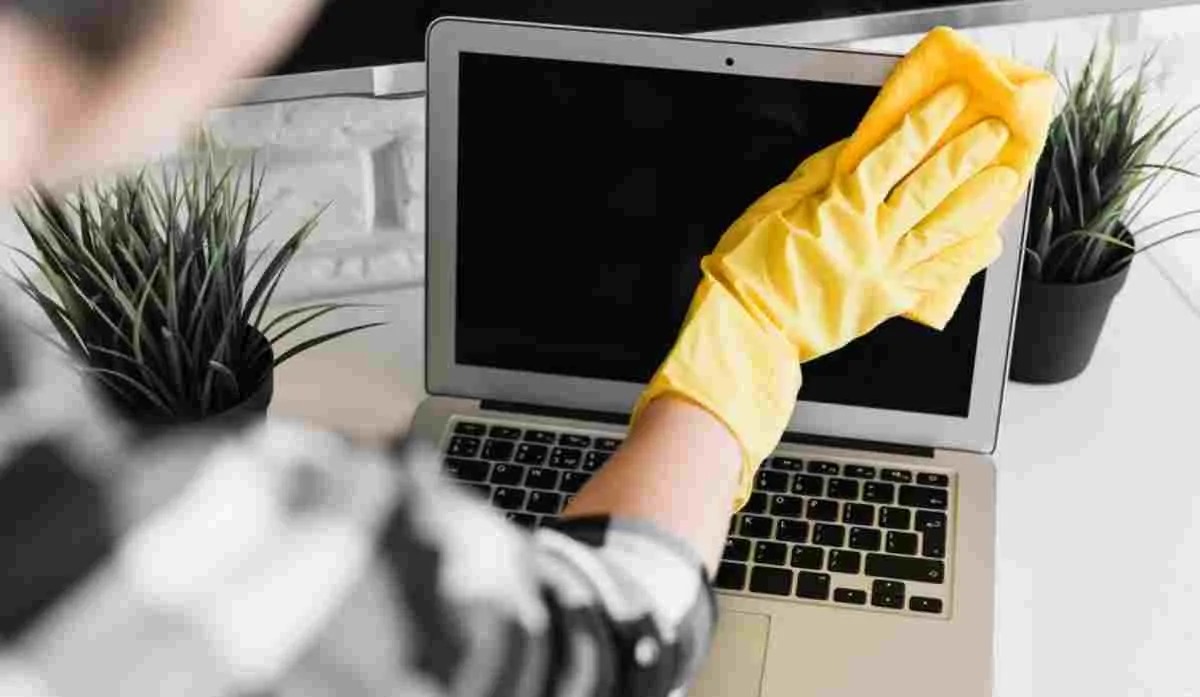
News India Live, Digital Desk: Our laptop is an important part of our lives today. From office work to entertainment, everything happens on it. In such a situation, it is common for dust, fingerprints or food stains to appear on the screen. And when the screen looks dirty, we immediately pick up any cloth and start cleaning it. But do you know that this habit of yours can damage your laptop screen forever?
Yes, laptop screen is very delicate and cleaning it wrongly can be very expensive. Let us know what mistakes people usually make and what is the right way to clean the screen.
You don’t make these mistakes, do you?
- Using any cloth: We often pick up any old cotton cloth, T-shirt or towel lying at home and start cleaning the screen. These clothes can cause small scratches on the screen, which may not be visible initially, but gradually make the screen blurry.
- Direct spray of water or cauline: This is the biggest and most common mistake. Any kind of liquid, be it plain water or glass cleaner, should not be sprayed directly on the screen. This liquid can seep in from the edges of the screen and damage the internal parts of the display, causing black spots on the screen or it may stop working altogether.
- Applying too much pressure: To remove the stains and spots stuck on the screen, many people start rubbing it vigorously. Doing this may damage the pixels of the screen. You must have noticed that when you press hard, colorful waves are formed on the screen, this is very harmful for the screen.
- Cleaners containing alcohol or chemicals: Never use window cleaners, such as Colin, or any cleaner that contains ammonia or alcohol. These chemicals remove the anti-glare coating on the screen, due to which unsightly marks are formed on the screen and it can get permanently damaged.
Then how to clean laptop screen?
The safest and correct way to clean a laptop screen is very simple:
- Microfiber Cloth: Always use a soft and clean microfiber cloth. This is the same cloth which is available for cleaning spectacles. It attracts dust particles and cleans the screen without scratching it.
- Wipe dry first: First of all, turn off the laptop. Now gently wipe the screen with a dry microfiber cloth in the same direction from top to bottom or right to left. Do not rotate in circles. Most of the dust and fingerprints will be removed with this.
- For stubborn stains: If there are stubborn stains on the screen, clean the microfiber cloth with distilled water (battery water) or special cleaning solution that comes with screens. very slightly moist Do it. Keep in mind, the cloth should not be wet, it should only be damp. Now wipe the stained area gently with this damp cloth.
- Dry immediately: After wiping with a damp cloth, immediately dry the screen gently with another dry microfiber cloth so that no traces of water remain.
Remember, a little care can extend the life of your laptop and save you from a big expense.